SpeakersTimestampsSRT & VTT

Audio to text, with notes you can use

Upload a recording and get a transcript with speakers and timestamps, then a structured summary, flashcards and a quiz from the same file.

  • Download as TXT, DOCX, SRT or VTT, free on every plan
  • Summary in 12 languages
  • Private to your account unless you share a link

Transcribe an audio file

You upload in the SummaryNote web app after you sign in. Nothing is uploaded from this page.

Your recordingFree: up to 3 hours · Pro: up to 5 hours · Max 500 MB
MP3M4AWAVOGGAACWEBM3GP
Continue with Google Continue with email
  1. Sign in with Google or an email code. Your first complete note is free, no card.
  2. Upload or record in the web app. Files need at least 30 seconds of speech.
  3. Get your note: transcript, summary, flashcards and quiz. Download TXT, DOCX, SRT or VTT.

What you get from one file

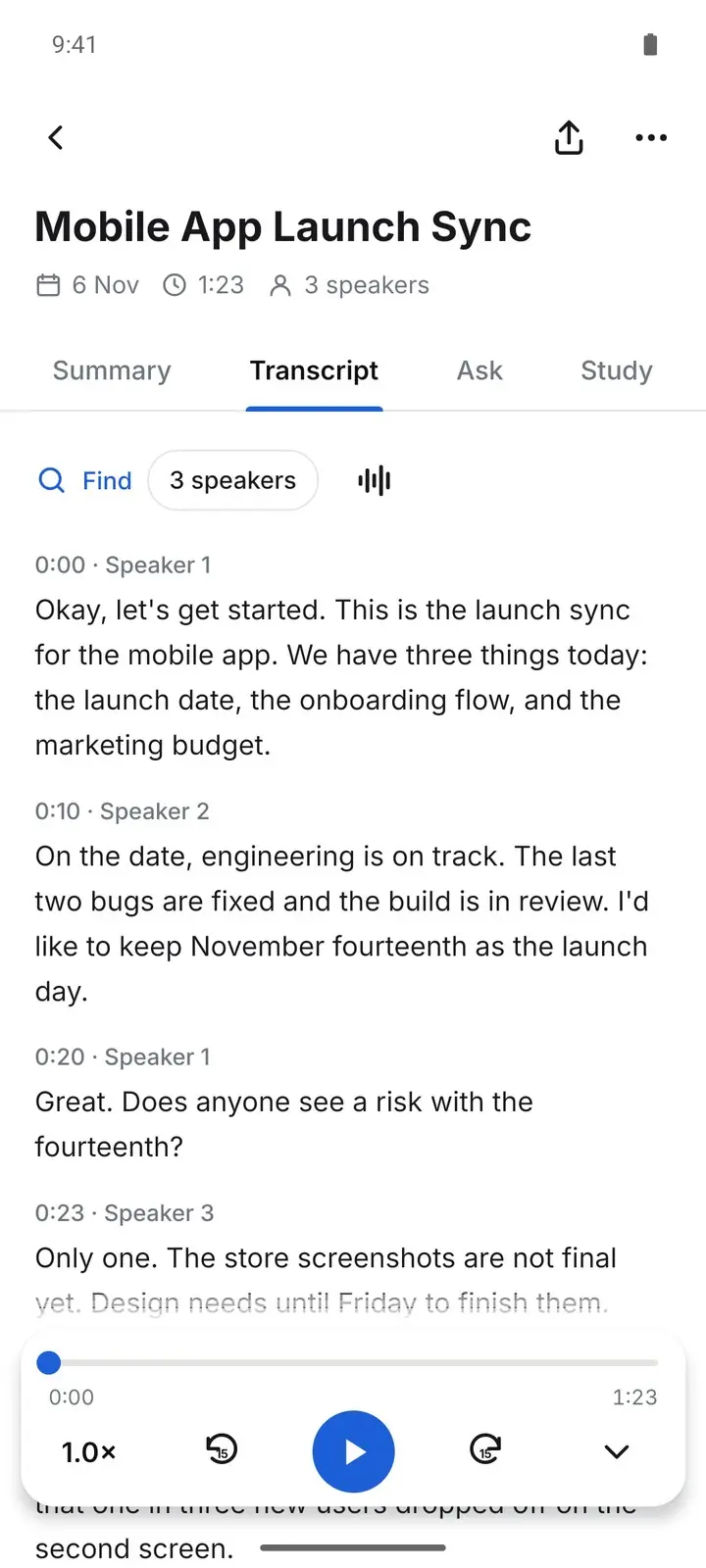
Example transcript and summary from SummaryNote, from a 1 min 23 s product meeting.

Transcript
Mobile App Launch Sync · first 30 s
Example
  1. 0:00
    Speaker 1

    Okay, let’s get started. This is the launch sync for the mobile app. We have three things today: the launch date, the onboarding flow, and the marketing budget.

  2. 0:10
    Speaker 2

    On the date, engineering is on track. The last two bugs are fixed and the build is in review. I’d like to keep November fourteenth as the launch day.

  3. 0:20
    Speaker 1

    Great. Does anyone see a risk with the fourteenth?

  4. 0:23
    Speaker 3

    Only one. The store screenshots are not final yet. Design needs until Friday to finish them.
Summary
Full recording · 1 min 23 s
Example

Overview

The team reviewed the mobile app launch date, onboarding flow, and marketing budget. The launch remains planned for November fourteenth.

Launch readiness

Engineering is on track: the last two bugs are fixed and the build is in review. The remaining risk is that store screenshots are not final; Design needs until Friday.

Onboarding

One in three new users dropped off on the second screen, so onboarding goes from four screens to two.

Exports for this note: PDF, DOCX, Markdown and TXT for the summary; TXT, SRT and VTT for the transcript.

How to transcribe audio to text

Sign in

Sign in to the web app with Google or an email code. Your first complete note is free.

Upload or record

Choose an MP3, M4A, WAV, OGG, AAC, WEBM or 3GP file, or record in your browser.

Read, edit and export

Check the transcript against the audio, then download it or study from the summary.

Transcript

Know who said what, and when

Transcripts are split into speaker turns with a timestamp on each, and the player keeps your place, so checking a quote takes one tap instead of scrubbing through an hour of audio.

  • Speaker labels on every turn
  • Find in transcript
  • Playback speed control
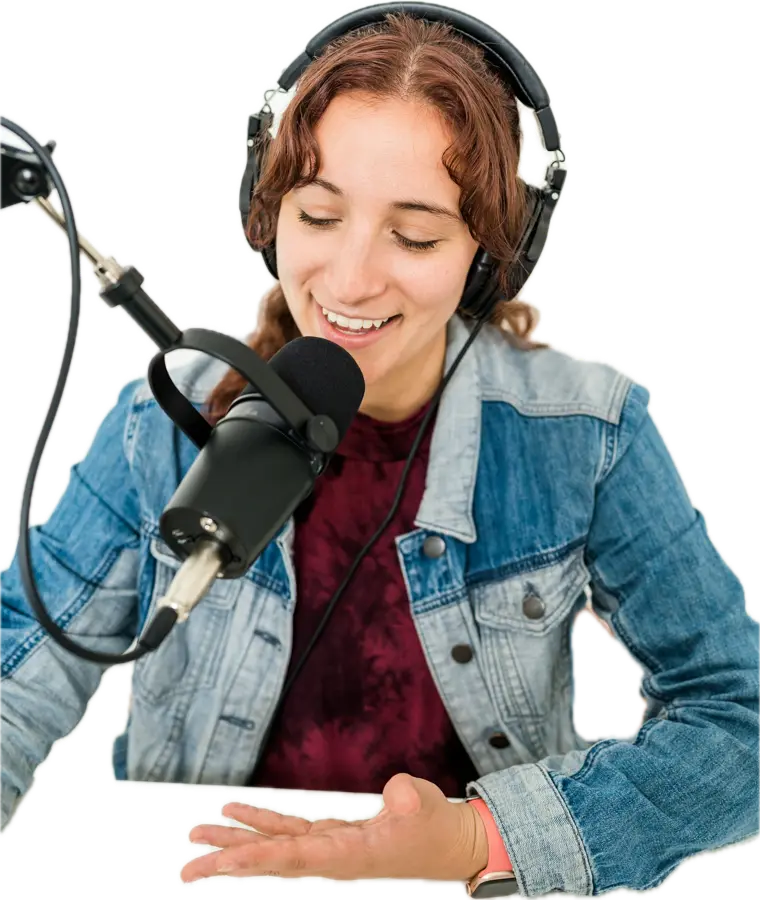
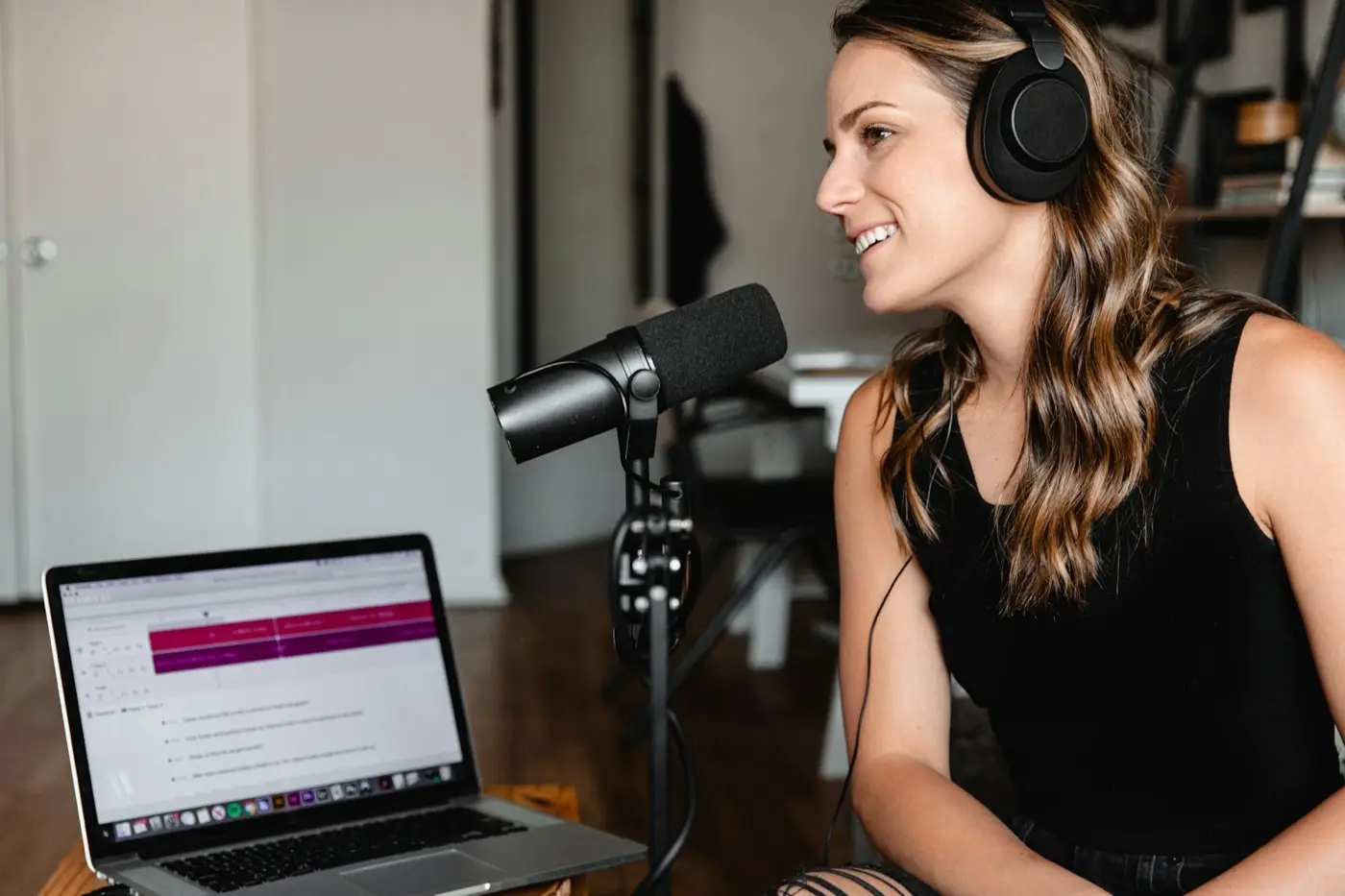
A woman recording a podcast with headphones and a microphone
Transcript with timestamps and Speaker 1, 2 and 3

Formats and limits

Facts as of November 2026
On the webIn the Android app
Audio filesMP3, M4A, WAV, OGG, AAC, WEBM, 3GPSame
Video filesNot on the web yetMP4, MOV, WEBM, MKV, 3GP
Length per fileFree: up to 3 hours
Pro: up to 5 hours
Free: up to 3 hours
Pro: up to 5 hours
File sizeUp to 500 MBUp to 500 MB
Shortest file30 seconds30 seconds
Record in the appYes, in the browserYes, with live text on Pro
Transcript exportsTXT, DOCX, SRT, VTTTXT, DOCX, SRT, VTT

Related tools

AI note taker

Lectures, meetings and interviews turned into structured notes.

Web and Android
Voice memo to text

Turn phone voice memos into searchable notes.

Web and Android
Interview transcription

Speaker-labelled transcripts for research and journalism.

Web and Android
Video to text

Transcripts and summaries from MP4, MOV and MKV files.

Android
YouTube video summarizer

Structured summaries of captioned YouTube videos.

Android
Meeting minutes template

A free template with a filled example.

DOCX

Questions, answered

About audio to text.

Is this audio to text converter free?

Your first complete note is free, with no card. That includes the full transcript, the summary and every export. After that, Pro is a weekly or annual subscription through Google Play.

Why do I need to sign in?

Your transcript is saved to your account so you can come back to it, export it and study from it. After you sign in, you upload the file in the web app.

Which audio formats can I upload?

MP3, M4A, WAV, OGG, AAC, WEBM and 3GP, on the web and in the Android app. The Android app also accepts video files.

How long can my audio be?

Free: up to 3 hours per file. Pro: up to 5 hours. Files can be up to 500 MB. Files under 30 seconds don’t make a note and don’t use your free note.

Can I get subtitles?

Yes. Download the transcript as SRT or VTT to use as subtitles, free on every plan.

Can I transcribe a YouTube video here?

Not on the web. In the Android app you can paste a YouTube link to a video with captions and get a summary.

Transcribe your first file free

Sign in and upload on the web, or record your next lecture or meeting in the Android app.

Transcript in the Android app