Help and FAQ
Find a quick answer and the right place to learn more.
Getting started
What is SummaryNote?
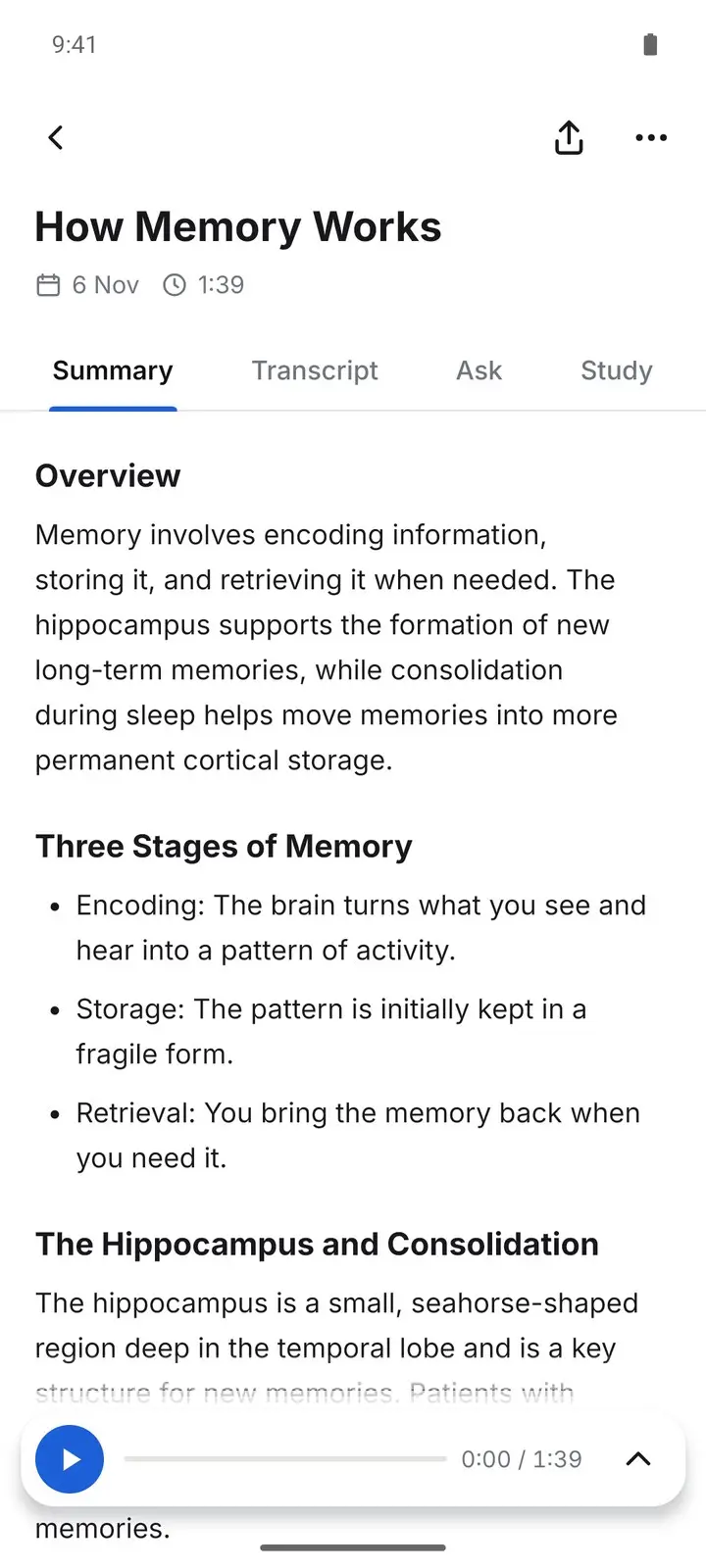
It makes notes and study tools from recordings, files and links. See the AI note taker.
Where can I use it?
Use the Android app or the web app. Some inputs are Android only.
Is my first note free?
Yes. Your first complete note is free and needs no card. See pricing.
Plans and billing
What does Pro include?
Pro includes more use and the Android meeting notetaker. See pricing.
How is Pro billed?
Pro is billed weekly or annual, through Google Play.
Are exports available on Free?
Yes. Exports are available on every plan.
Uploads and limits
How long can audio be?
Free: up to 3 hours per file; Pro: up to 5 hours. Maximum file size is 500 MB.
Can I upload a PDF?
Yes. PDFs can be up to 300 pages and 20 MB.
Can I upload video?
Yes, in the Android app. See video to text.
Notes and study
Can I ask a question?
Yes. Ask inside one note and check the cited sources. Free includes 3 questions a day. See AI chat.
Can I make flashcards?
Yes. See the AI flashcard maker.
What can I export?
PDF, DOCX, Markdown, TXT, SRT and VTT are available on every plan.
Meeting notetaker
How does it join?
Paste a Google Meet or Microsoft Teams link in the Android app with Pro.
Will participants know?
It joins visibly under your name, posts a recording message in chat and can be removed by anyone.
Does it join from my calendar?
No. Paste the meeting link; there is no calendar connection or automatic joining.
Privacy and account
Where can I read the privacy policy?
See the Privacy policy.
How do I delete my account?
See Delete your account.
How do I contact the team?
Email contact@summarynote.app.
Still need help?
Email contact@summarynote.app and tell us what you need help with.
Make your first note
Record or upload your material to get started.