Leave the meeting with the next steps clear
Capture client discussions and return to decisions, action items and the context behind them.
First complete note freeNo card needed

Make room for the work that matters
Without SummaryNote
- Dividing attention between listening and typing
- Reconstructing decisions afterward
- Copying notes into each deliverable
With SummaryNote
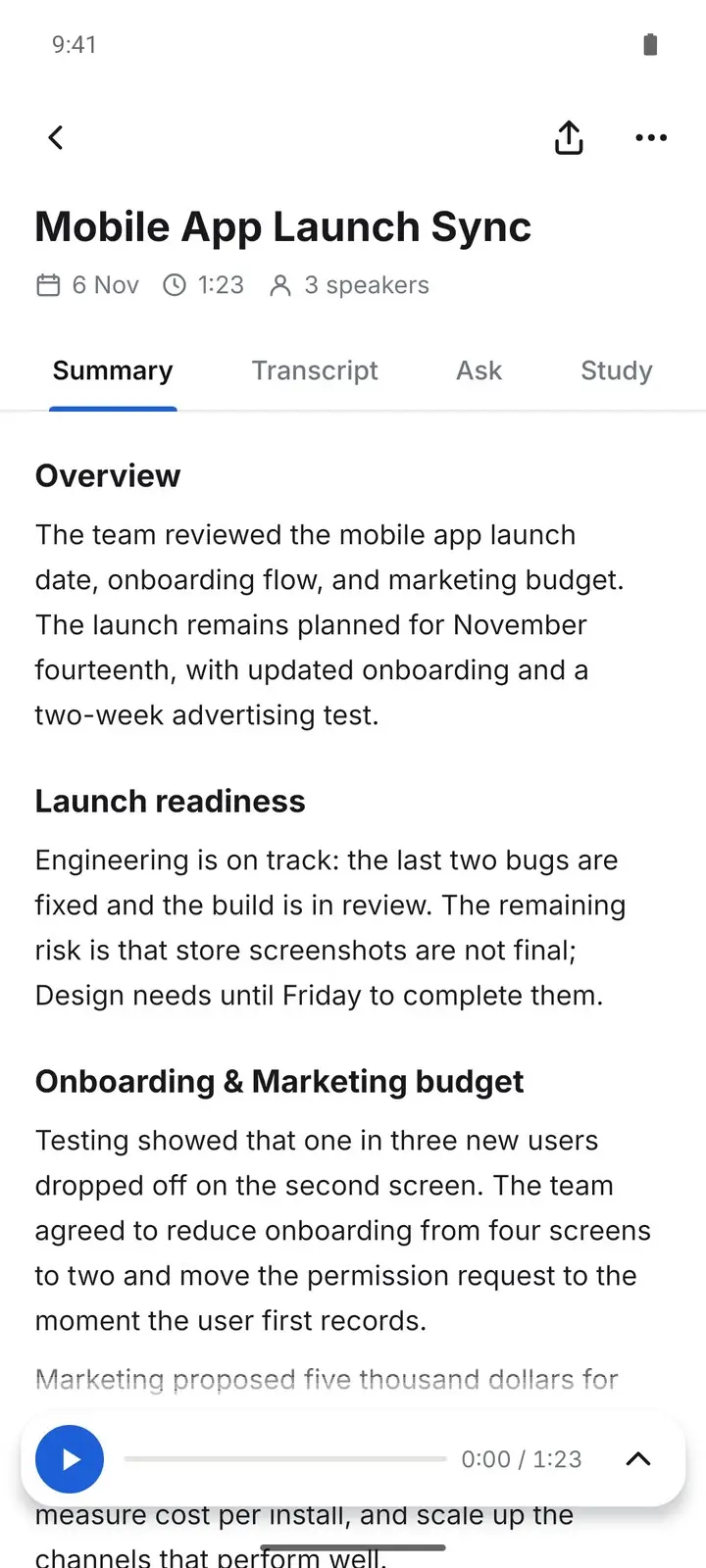
- Review decisions and action items
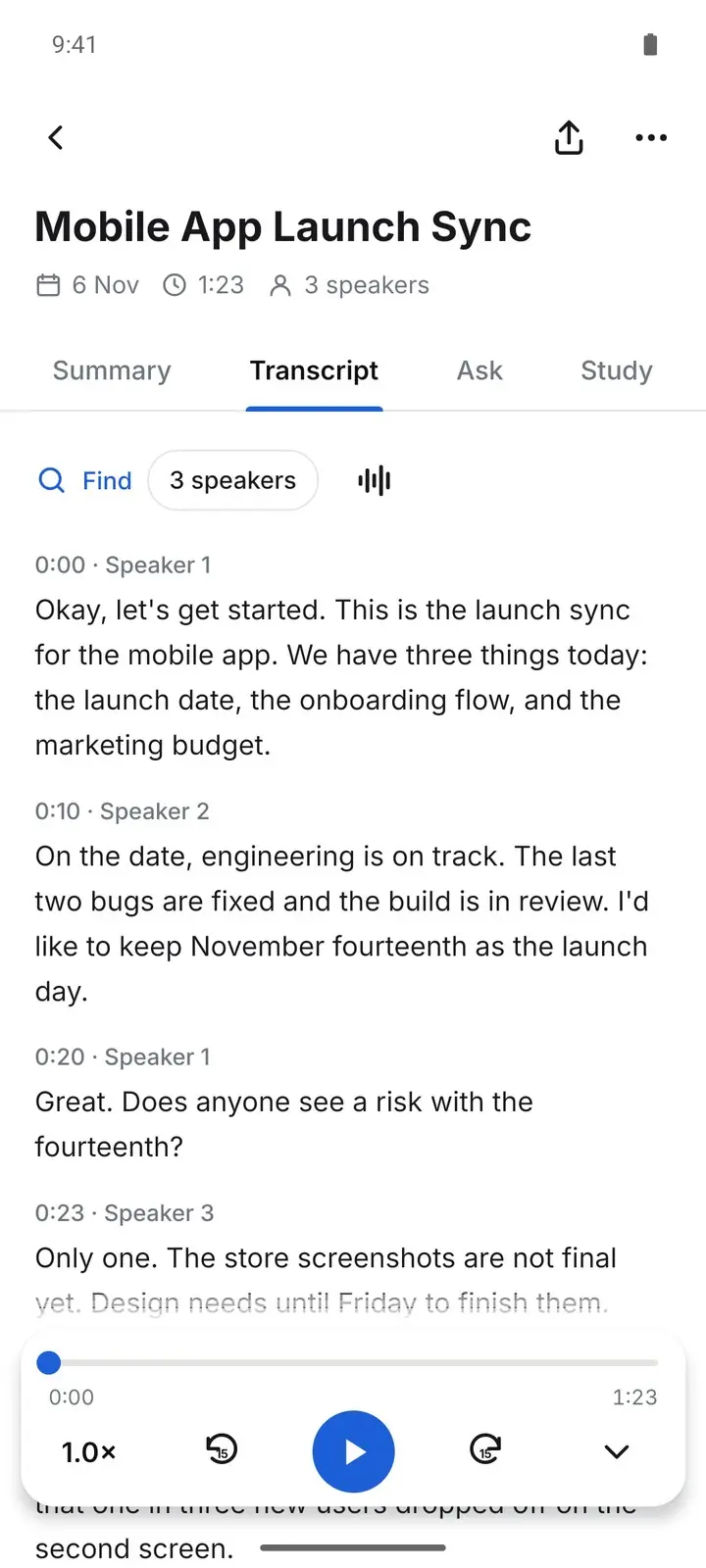
- Keep the transcript for context
- Export or send the note to Notion
Made for consultants
Capture decisions and actions
Record or upload a client meeting to get a structured summary and transcript. AI meeting notes make it easier to review what was agreed and what needs follow-up.
Bring a notetaker to the meeting
With Pro on Android, paste a Google Meet or Microsoft Teams link to send a visible notetaker. Review the transcript and summary after the meeting.
Take the note into your workflow
Export your note as DOCX or PDF for your own deliverables. You can also send it to Notion and continue organizing it there.
Works with the tools you use
Google Meet
Visible notetaker on Android with Pro.
Microsoft Teams
Visible notetaker on Android with Pro.
Notion
Send your note to Notion.
YouTube
Summarize public videos with captions on Android.
From the blog
How to write meeting minutes
What to record, a worked example and a checklist for minutes people read.
Read article →SummaryNote vs Fireflies (2026): Which AI Note Taker Fits You?
Meeting bots, uploads, study tools and plans compared, with Fireflies' published prices.
Read article →Best Otter alternatives (2026)
Five Otter alternatives compared by platform, free plan, meeting bot and uploads.
Read article →Questions, answered
For consultants.
Can I capture client meetings?
Yes. Record or upload a meeting, or use the visible notetaker on Android with Pro. Obtain permission before recording.
Which meeting platforms work with the notetaker?
Google Meet and Microsoft Teams are supported on Android with Pro. Paste the meeting link each time.
Can I export a note for a deliverable?
Yes. Notes can be exported as DOCX or PDF.
Can I send a note to Notion?
Yes. Connect Notion and send the note to your selected destination.
Does the notetaker join visibly?
Yes. It joins visibly and posts a recording message in the meeting chat.
Bring clarity to your next client meeting
Start with your first complete note free.
