Project planning · meeting
Decision: move the launch review to Friday. Design will finish updated screens before the review.
Upload a meeting recording and turn the discussion into notes you can review and share.
First complete note freeNo card needed

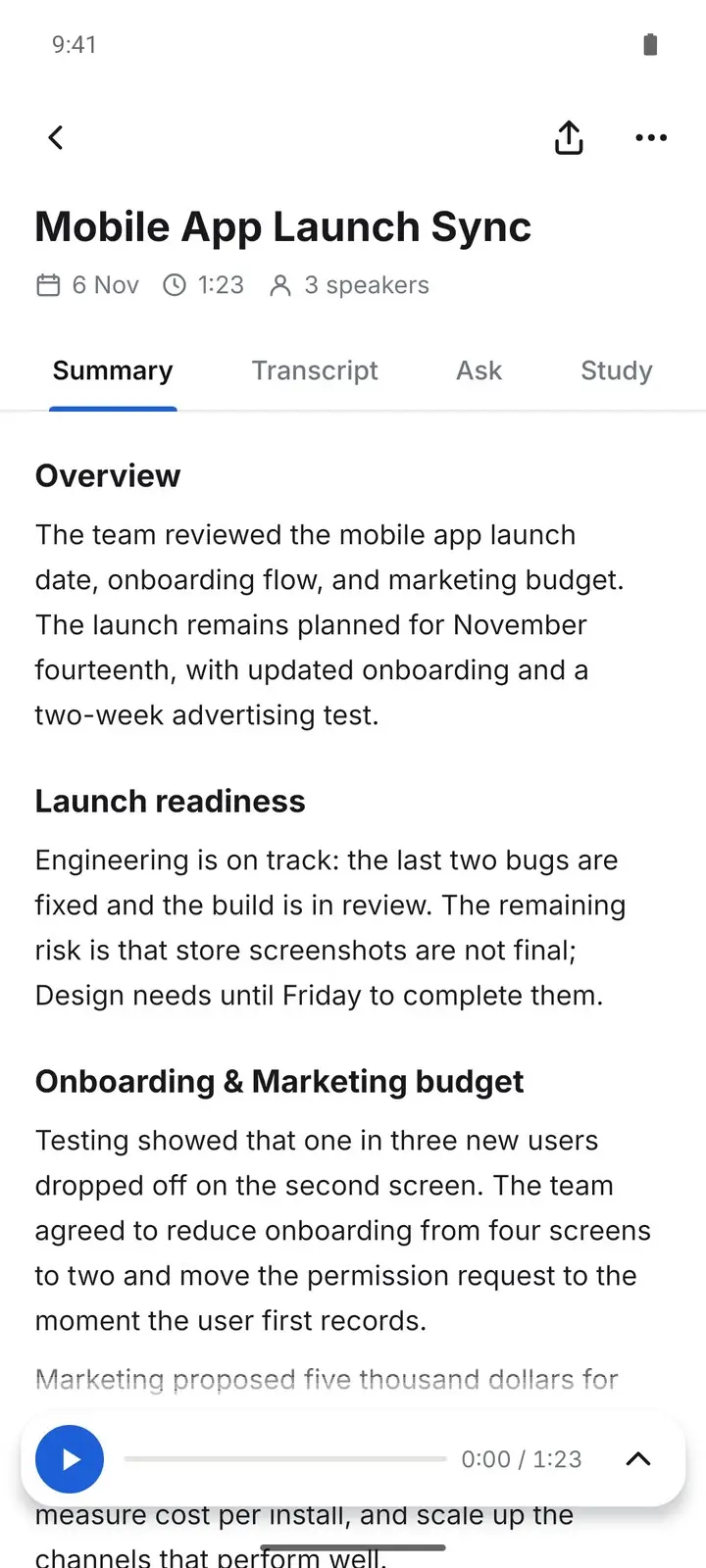
Example product recreation from a single source.
Decision: move the launch review to Friday. Design will finish updated screens before the review.
Check remaining risks at the next meeting.
Available with Pro in the Android app.

Bring the meeting audio to the web or Android app.
Read the summary and check decisions against the transcript.
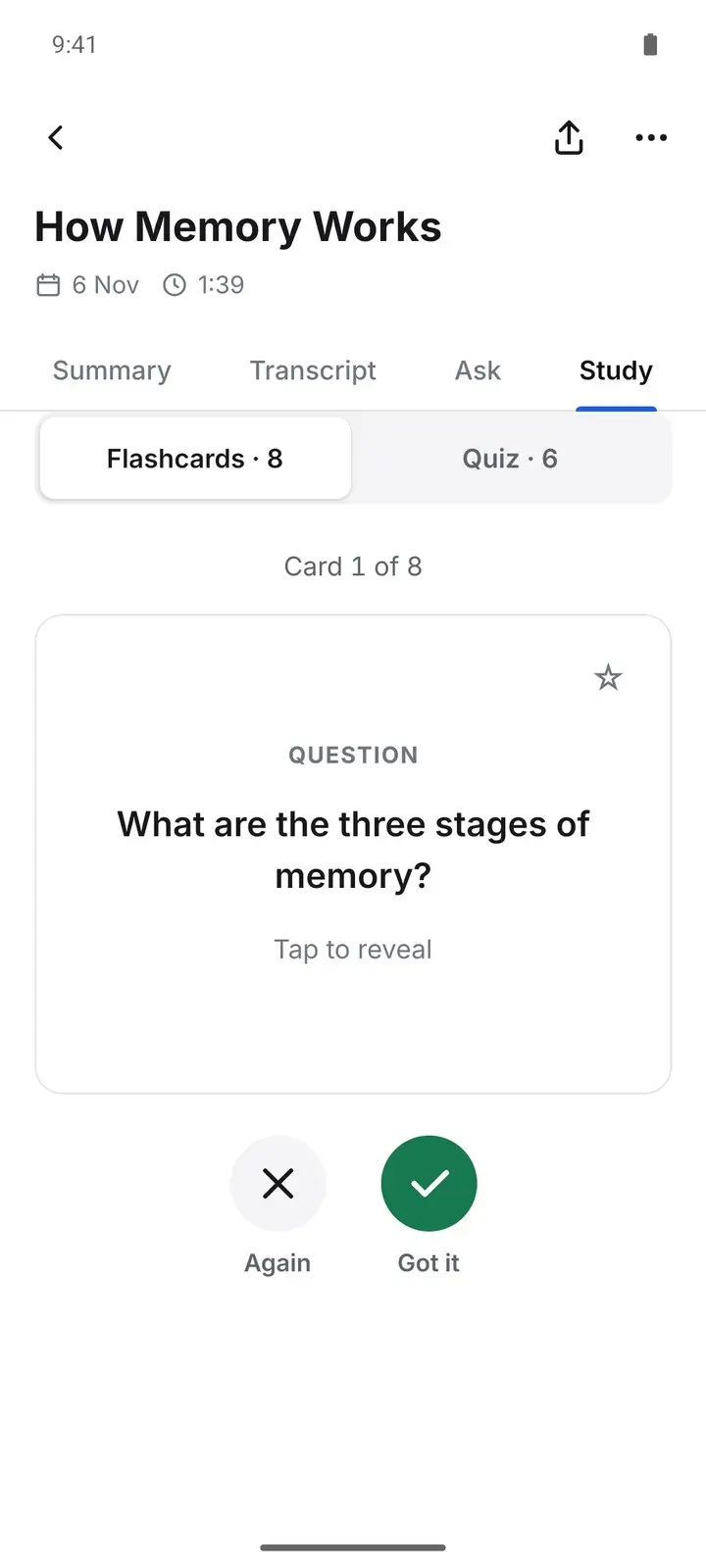
Export the note so the team can follow up.
Compare meeting and study tools, platforms, exports and more.
Read article →Compare transcription, meetings and study tools across both products.
Read article →Learn the Cornell method, see a filled example and download a template.
Read article →Yes. Upload audio on the web or in the Android app.
Review the summary for decisions, action items and follow-ups, and check the transcript for context.
Yes, on Android with Pro.
Yes, on Android with Pro.
Yes. PDF, DOCX, Markdown and TXT are available on every plan.
Start with your first complete note free.