
Coastal ecosystems · PDF chapter
Salt marshes protect shorelines and provide habitat for young fish.
Upload a PDF and get a summary, ask questions with sources, and study with flashcards.
First complete note freeNo card needed

Choose a document on the web or in the Android app.
Start with the main points, then return to the document.
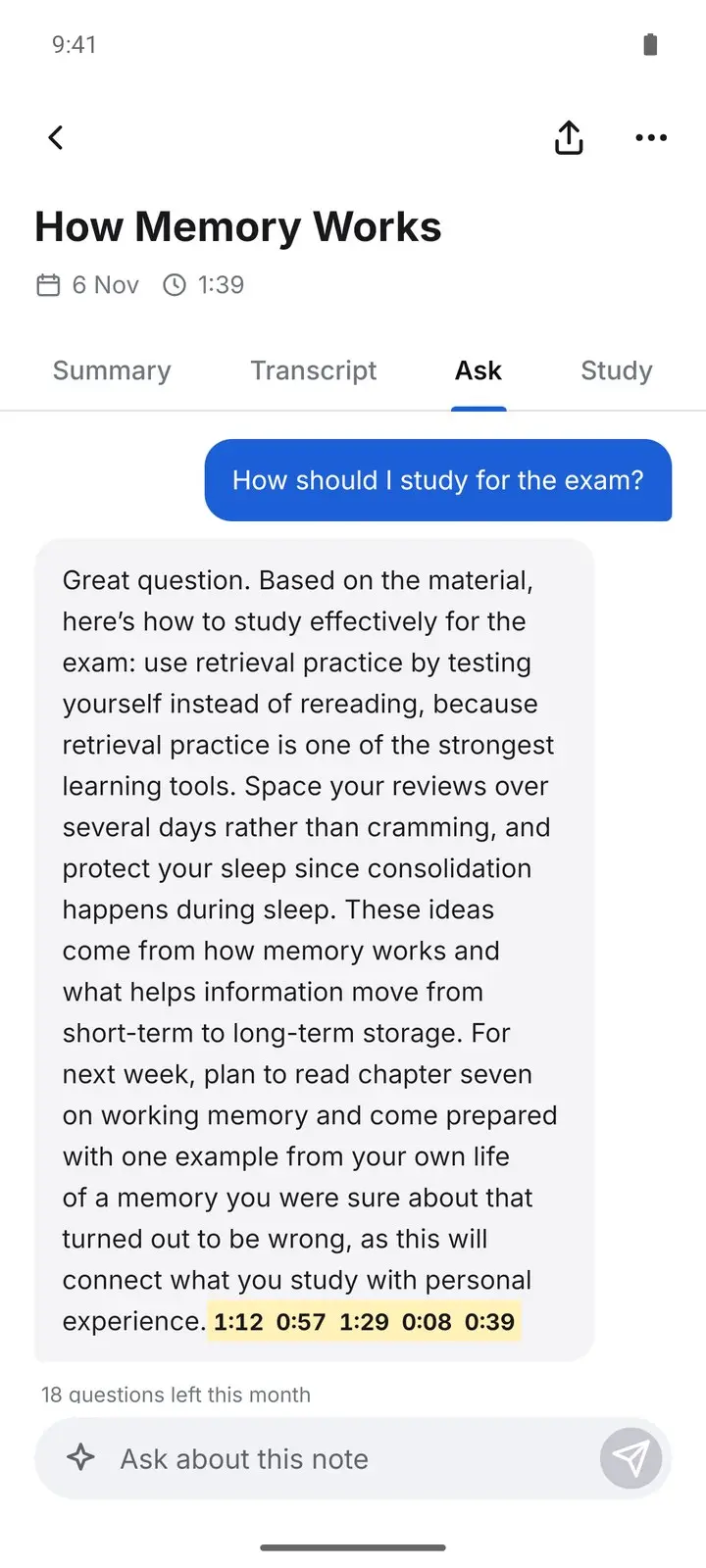
Ask a specific question and use the sources to check the answer.
Example product recreation from a single source.
Salt marshes protect shorelines and provide habitat for young fish.
Salt marsh plants slow waves. Source: Coastal ecosystems chapter.
Its plants slow waves and protect the shore.
| Source | Formats and limits | Where |
|---|---|---|
| Up to 300 pages and 20 MB | Web and Android |
Upload a PDF and get a summary, ask questions with sources, and study with flashcards.

Compare meeting and study tools, platforms, exports and more.
Read article →Compare transcription, meetings and study tools across both products.
Read article →Learn the Cornell method, see a filled example and download a template.
Read article →On the web and in the Android app.
Up to 300 pages and 20 MB.
Yes. Ask questions and use the sources to check answers.
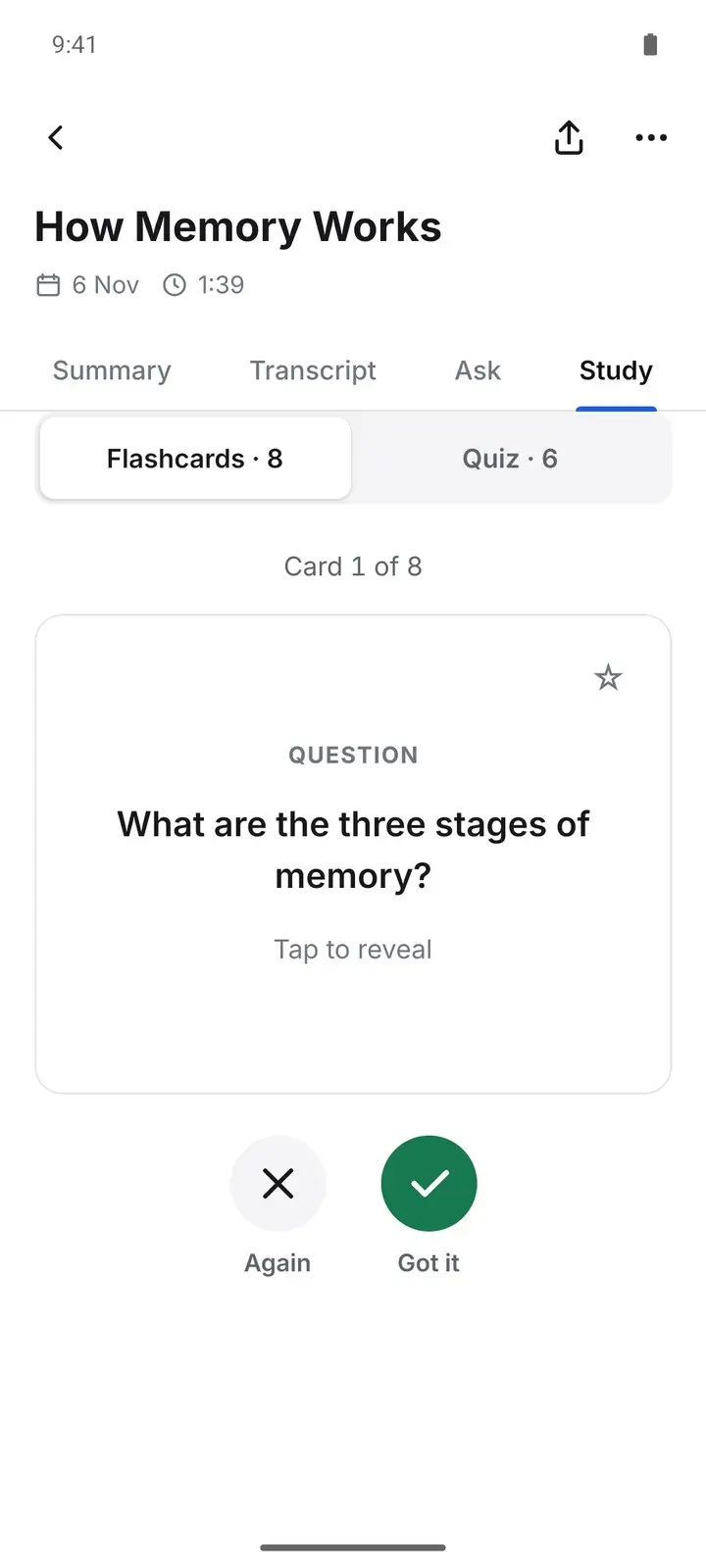
Yes. Your note can include flashcards and a quiz.
Your first complete note is free. Pro is weekly or annual through Google Play.
Start with your first complete note free.
