SummaryNote vs Otter (2026): Which AI Note Taker Fits You?
· By the SummaryNote team · 11 min read · This is a SummaryNote article.
Our approach
This comparison was prepared by the SummaryNote team on November 24, 2026. We make one of the products in this comparison, so our perspective is not independent. We checked SummaryNote details against its product facts and Otter details against Otter’s pricing page and Otter’s desktop page. The table separates features we can describe from those Otter does not mention on those pages. A missing mention is not proof that a feature does not exist.
We compare the path from source to useful result: how you bring material in, where you can work, how you review and reuse the output, and what the plan permits. The scenarios below are practical ways to evaluate those differences, not claims that we ran a controlled accuracy test. Neither a feature list nor a sample transcript can guarantee the quality of a particular recording. Check current vendor terms before choosing a plan, because pricing and limits can change.
Key facts
- SummaryNote works on Android and the web.
- Video and YouTube links are available in the Android app.
- SummaryNote makes flashcards and quizzes from notes.
- With Pro, paste a Google Meet or Microsoft Teams link in the Android app to send a notetaker.
- Otter supports meeting transcription and teams, according to Otter’s pricing page and Otter’s desktop page.
SummaryNote vs Otter at a glance
| Feature | SummaryNote | Otter |
|---|---|---|
| Platforms | Android app; web app in any browser. No iPhone app. | Web (browser recording), iPhone and Android apps, desktop app for Mac and Windows, Chrome extension |
| Free plan | First complete note free, no card | Basic: 300 transcription minutes a month, up to 30 minutes per conversation, 3 audio/video file imports in total (lifetime) |
| Paid plans | Pro, weekly or annual, through Google Play | Pro, Business and Enterprise |
| Meeting notetaker | Paste a Google Meet or Microsoft Teams link (Pro, Android only). No Zoom, no calendar connection. | Joins Zoom, Microsoft Teams and Google Meet |
| Upload audio and video | Audio on web and Android; video on Android | Basic: 3 lifetime imports; Pro: 10 imports a month |
| YouTube links | Yes, in the Android app (videos with captions) | Not mentioned on Otter's home or pricing page |
| PDFs and documents | PDF up to 300 pages and 20 MB, DOCX, TXT, Markdown | Not mentioned on Otter's home or pricing page |
| Flashcards and quizzes | Yes, made from each note | Not mentioned on Otter's home or pricing page |
| Ask questions | Yes, answers show their sources | Otter AI Chat answers questions across your meetings |
| Languages | 12 summary languages for uploads and YouTube | English, Spanish, French, German, Japanese and Chinese |
| Exports | PDF, DOCX, Markdown, TXT, SRT, VTT on every plan | Basic: MP3 and TXT; Pro and above: MP3, TXT, PDF, DOCX and SRT |
| Team workspaces | No; notes are personal, shareable by link | Yes: workspaces (Basic and Pro up to 5 members, Business 25, Enterprise unlimited) and Channels |
Otter details from Otter’s pricing and home pages, checked November 24, 2026.
What is SummaryNote?
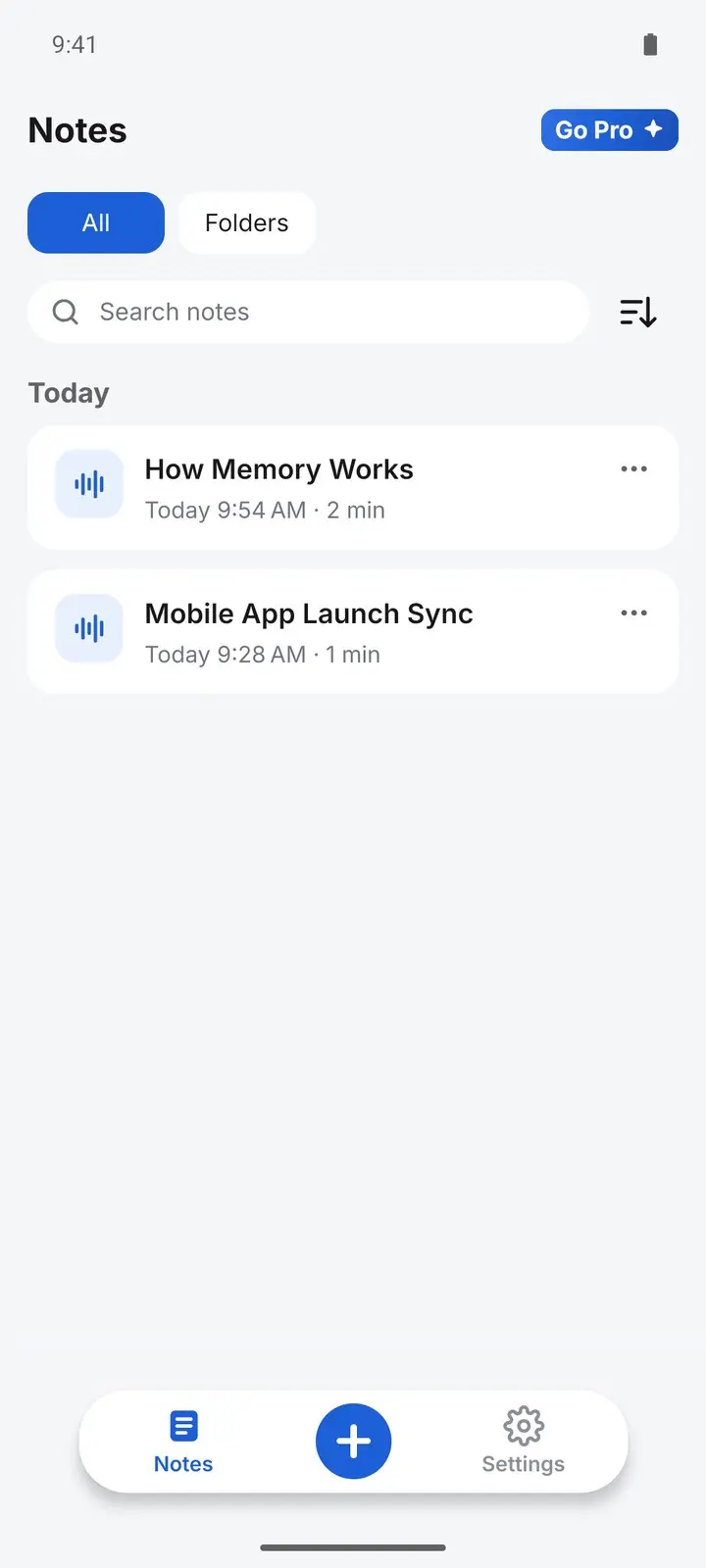
SummaryNote turns recordings, documents and links into notes, flashcards and quizzes. Its Google Play listing describes the Android app.
What is Otter?
According to Otter’s desktop page, Otter provides transcription and meeting notes.
SummaryNote vs Otter: main differences
Capture
SummaryNote accepts audio on the web and Android, and video and captioned YouTube links on Android. According to Otter’s pricing page and Otter’s desktop page, Otter supports transcription from recordings.
Transcription and languages
SummaryNote supports 12 summary languages for uploads and YouTube. See Otter’s pricing page and Otter’s desktop page for Otter’s language and plan details.
Notes and study tools
SummaryNote makes flashcards and quizzes from each note. These study tools are not mentioned on Otter’s pricing page and Otter’s desktop page.
Search and questions
SummaryNote answers questions with sources from your note. According to Otter’s desktop page, Otter also offers questions across meetings.
Meetings
With Pro, paste a Google Meet or Microsoft Teams link in the Android app to send a SummaryNote notetaker. According to Otter’s pricing page and Otter’s desktop page, Otter supports meeting transcription and team workflows.
Exports
SummaryNote offers exports on every plan. See Otter’s pricing page for Otter’s export options.
Platforms
SummaryNote is available on Android and the web. According to Otter’s desktop page, Otter also offers an iPhone app and desktop options.
Three workflows to compare
A student reviewing a 90-minute lecture
Imagine a student who records a lecture and wants to prepare for an exam. The recording contains explanations, examples, questions from the room and a few terms that sound similar. The first job is to capture a usable source; the more important job is to turn it into something the student can actually review. Before uploading, check that recording is permitted and that the speaker can be heard clearly.
In SummaryNote, the student can upload supported audio on the web or Android, then read the transcript and summary. Flashcards and a quiz made from the note give the student a way to practice retrieval rather than simply reread. Questions can be asked inside the note, with sources shown for checking. A PDF or document can also be used as input for a separate note, which is useful when the lecture has accompanying reading.
Otter supports recordings and transcription, but its Basic plan has a per-conversation limit shorter than this lecture and a lifetime import allowance. Its Pro conversation limit matches the length of this scenario; check the current plan and how the source is admitted before relying on it. Otter's published pages do not mention flashcards or quizzes, so we cannot compare a study-card workflow. The practical test is to review a difficult passage in the transcript and see whether the resulting material supports your own revision method.
A consultant following up after a client meeting
A consultant needs a record of decisions, open questions and responsibilities after a client discussion. A readable summary helps, but it should not replace checking who agreed to do what. Obtain the participants' permission before recording or bringing a notetaker into a meeting, and check any client rules governing where material may be stored or shared.
With SummaryNote Pro, the consultant can paste a Google Meet or Microsoft Teams link in the Android app to send a visible notetaker. Alternatively, supported meeting audio can be uploaded. Afterward, the consultant can review the summary beside the transcript, ask about a decision and inspect the sources shown with the answer. Notes are personal and can be shared by link; agree on a safe sharing method before sending client material.
Otter lists a meeting notetaker for Google Meet and Microsoft Teams, as well as Zoom, and offers team workspaces. Its AI Chat can answer questions within and across meetings. For a consultant working with colleagues on a continuing account, the distinction between a personal shareable note and a workspace may matter as much as the summary itself. Compare the actual handoff: can the right person find the decision, check its context and act on it?
A creator researching a YouTube episode
Suppose a creator is researching a topic from a captioned YouTube episode and wants to find the argument, supporting details and passages worth checking. SummaryNote accepts captioned YouTube links in its Android app. The creator can start with the note, ask a question and use the displayed sources to return to the relevant material. Flashcards or a quiz can help rehearse terminology before drafting.
Otter's home and pricing pages do not state support for YouTube links. That does not establish that every possible workflow is unavailable; it means we cannot promise a direct link workflow from the sources used here. If you already have permission to use an eligible recording, compare the supported import route and its plan allowance. In either product, verify quotations and context against the original episode before publishing, and do not treat a generated summary as a substitute for the source.
Plans and the fine print
Plan names alone do not tell you whether a workflow fits. SummaryNote's first complete note is free, with no card required, and exports are available on every plan. Pro is billed weekly or annual, through Google Play. Google Play displays the applicable price for your country. If your source is a long recording, check the applicable duration allowance before you start; if it is a document, check the supported format and file limits.
Otter Basic is free. According to Otter’s pricing page, its monthly transcription pool, per-conversation duration and lifetime file imports are separate constraints. A remaining monthly balance does not remove the per-conversation limit, and available transcription time does not imply another file import is included. Basic exports MP3 and TXT; Pro adds PDF, DOCX and SRT. Check which output you need before selecting a plan.
Otter also lists Pro, Business and Enterprise, with different workspace and conversation limits. Paid pricing is per user, so consider the number of people who need access as well as billing frequency. For a team, compare the cost of the workspace and the way the result is shared. For a student, the ability to work from the source and revise afterward may be a more useful measure than a feature count.
SummaryNote vs Otter pricing
As of November 24, 2026, according to Otter’s pricing page, Basic is free; Pro is $16.99 monthly or $8.33 per user per month billed annually; Business is $30 monthly or $19.99 annually; Enterprise has custom pricing. SummaryNote Pro is a weekly or annual subscription through Google Play; the price shown in Google Play depends on your country.
Who should pick which?
| Choose SummaryNote | Choose Otter |
|---|---|
| Study from lectures and documents with flashcards and quizzes | Work with meeting transcription and teams |
| Use Android or the web and export on every plan | Need a native iPhone app or desktop app |
A 20-minute trial that shows the difference
Use a short, representative recording you have permission to process. If the source is confidential, use material approved for evaluation instead. The goal is to compare your real workflow, not to make a universal accuracy claim.
- Choose a source. Pick a recording with the vocabulary, speakers and sound conditions you normally encounter. Note the points you expect to find, and check that each plan accepts the source.
- Bring it in. Use an available recording or upload route in each product. Record which device and plan you used, and notice any duration or import limit that affects the test.
- Read the transcript. Find a section with a proper name or technical term. Compare it with the audio, including the words immediately around it. Correct your own notes where the source and transcript differ.
- Review the summary. Look for the main decision or argument, then check whether a qualification or unresolved question has been lost. A fluent paragraph is not necessarily a complete account.
- Ask a question. Ask the same specific question in each tool. Trace the answer back to the relevant source material and note how much work it takes to confirm it.
- Reuse the result. Try the export or sharing route you actually need. For study, try SummaryNote's quiz or flashcards; for a team, consider whether Otter's workspace fits your handoff.
- Make a decision. Write down the friction, the plan needed and any review still required. Choose the workflow you can repeat responsibly, not just the output that looks most polished at first glance.
Which should you choose?
Choose the tools that fit your sources, platform and workflow. To move from Otter, export a transcript where available, then upload supported audio or documents to SummaryNote. Uploading audio produces a fresh transcript, summary, flashcards and quiz.