SummaryNote vs Fireflies (2026): Which AI Note Taker Fits You?
· By the SummaryNote team · 13 min read · This is a SummaryNote article.
Key facts
SummaryNote is built around personal notes and study: bring in a supported source, review its transcript or content, and use the resulting note to revisit ideas. It works on the web and Android. Fireflies focuses on meeting transcription and offers team workspaces and channels. Your choice depends on whether your most important result is a personal learning resource or a meeting workflow shared with colleagues.
Both can help you revisit recorded speech, but the path into each product and the tools around the note differ. A student preparing for an exam, a consultant reviewing a client discussion and a creator researching a video may all value a transcript for different reasons. The sections below walk through those decisions before looking at plans.
Our approach
This comparison was prepared by the SummaryNote team on November 24, 2026. We compared the products using SummaryNote’s product facts and Fireflies’s published pricing page and home page. We looked at supported devices, ways to bring in material, meeting capture, reviewing notes, study workflows and published plan details. This is a product comparison written by one of the products being compared, so use the linked sources and your own material to check what matters to you.
The scenarios below are decision aids, not claims that we ran identical recordings through both products. Output quality depends on the source, including audio clarity, terminology and overlapping speakers. Review a transcript against the original recording before treating a name, decision or quotation as settled. Availability and plan terms can change, so check the current vendor pages before purchasing.
SummaryNote vs Fireflies at a glance
| Feature | SummaryNote | Fireflies |
|---|---|---|
| Platforms | Web and Android; no iPhone app | Web, desktop, Android, iOS and Chrome extension |
| Uploads | Audio on web and Android; video on Android | Audio and video uploads |
| Meetings | Google Meet and Microsoft Teams notetaker on Android with Pro | Meeting bot with automatic joining; Chrome can record without the bot |
| Study and teamwork | Personal notes, flashcards and quizzes | Team workspaces and channels |
| Languages | 12 summary languages for uploads and YouTube | More than 100 transcription languages; many in beta |
Fireflies details are from Fireflies’s pricing page, checked November 24, 2026. The language figures describe different things: SummaryNote’s figure concerns summary languages for supported uploads and YouTube, while Fireflies lists transcription languages. They should not be read as a direct test of accuracy or coverage for a particular recording.
What is SummaryNote?
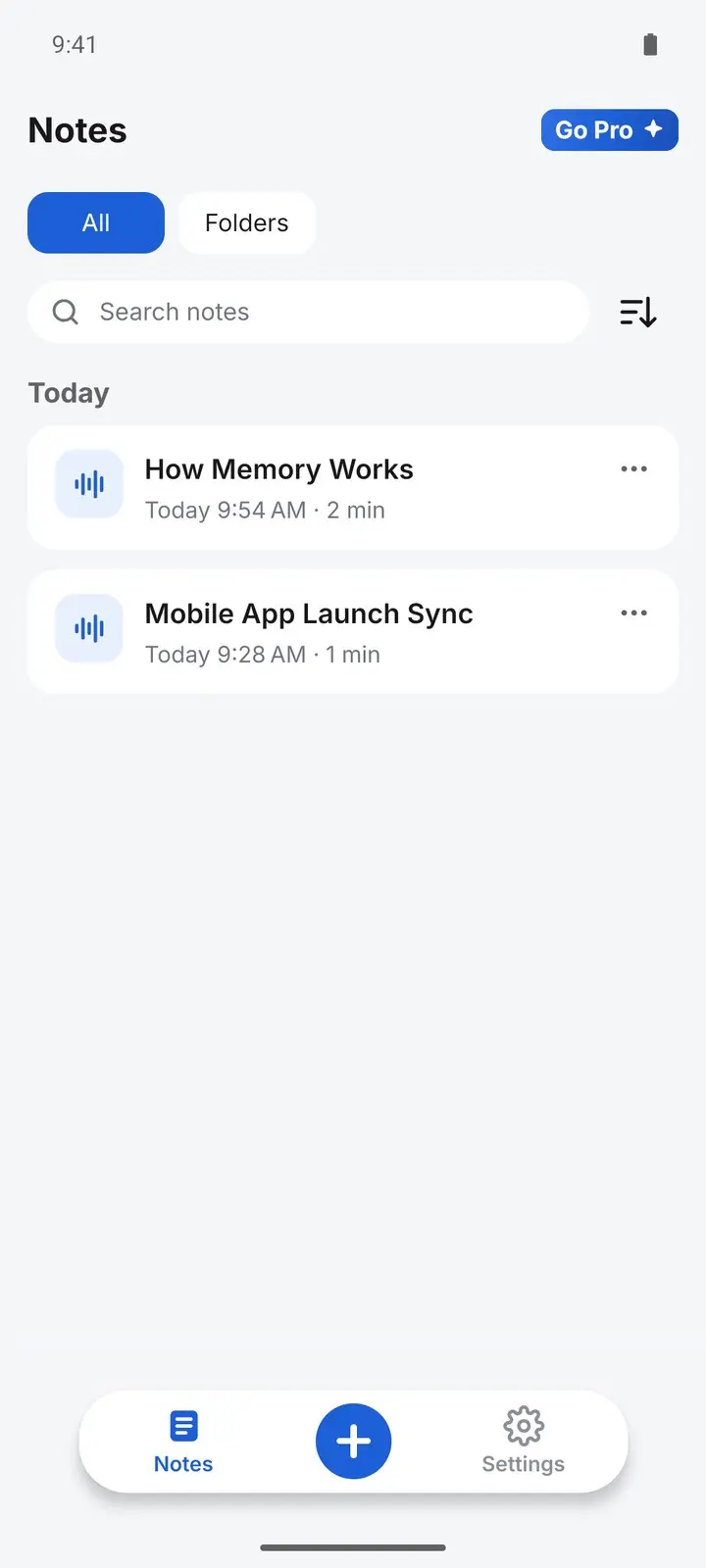
SummaryNote turns supported recordings and documents into personal notes. You can review the source material alongside a summary, ask questions within a note and use flashcards or quizzes for study. Audio uploads are available on the web and Android; video and captioned YouTube links are available in the Android app. A Pro notetaker can join supported meetings from Android.
This makes the starting point a source you want to understand or revisit. A useful note might capture the argument in a lecture, the decisions in a discussion, or the points worth checking in a recorded presentation. The summary is a starting point for review, not a substitute for listening when a detail matters.
What is Fireflies?
Fireflies offers meeting transcription, a meeting bot, audio and video uploads, and ways to work with meeting information. Its published pages describe AskFred for questions about meetings, team workspaces and channels. It also lists a Chrome extension that can record without the bot. Its wider device options include desktop and iOS as well as web and Android.
That combination is relevant when the main task is to capture and revisit discussions with a team. Consider how people in your organization will find a meeting, review the transcript and share the resulting information, as well as whether the capture method is appropriate for participants.
SummaryNote vs Fireflies: main differences
A student reviewing a 90-minute lecture
Imagine a student who has a permitted recording of a lecture and wants to prepare for an exam. With SummaryNote, the student can bring an audio recording in on the web or Android, then review the note and transcript. Flashcards and quizzes offer ways to turn key ideas into active recall. For a long lecture, check the current plan and duration allowance before starting; do not assume a recording fits simply because it is a single file.
Fireflies supports audio uploads and transcription. The student could use the resulting transcript to locate a definition or revisit the lecturer’s explanation, while checking the original recording for words that are hard to hear. Fireflies’s published material emphasizes meeting workflows and team organization; the supplied sources do not establish a flashcard or quiz feature. If self-testing is the deciding factor, evaluate that need explicitly rather than assuming the same study tools exist in both products.
For either option, begin by identifying the lecture’s learning objectives. Review terms, formulas and proper names against the original or course materials. Then write questions that require an explanation, not just recognition of a keyword. A readable summary is useful, but it does not prove that you can apply the idea in an exam.
A consultant after a client meeting
Imagine a consultant who needs to find agreed next steps after a client discussion. On Android with Pro, SummaryNote’s notetaker can join a Google Meet or Microsoft Teams meeting. Alternatively, the consultant can work from a supported recording. Afterward, the important task is to check the note against the discussion: who owns each action, what was actually agreed and which points remain open?
Fireflies offers a meeting bot that can join supported meetings automatically and a Chrome option that records without the bot. Its workspaces and channels are relevant if the team wants a place to organize meeting information together. AskFred can answer questions about meetings. A consultant should still verify the answer and the underlying transcript before sending commitments to a client.
Choose the capture method deliberately. Tell participants how the discussion will be recorded and follow the rules that apply to your meeting and organization. After reviewing the transcript, separate decisions from suggestions and record any unresolved question as unresolved. A polished summary should not turn a tentative proposal into an approved deliverable.
A creator researching a YouTube episode
Imagine a creator who wants to learn from a captioned YouTube episode before drafting an outline. In the SummaryNote Android app, the creator can use a supported YouTube link, review the resulting note and ask questions within it. The useful output is a map of ideas to investigate, not a license to treat every generated sentence as a verified quotation.
Fireflies supports audio and video uploads, which is a different starting point from providing a YouTube link. The supplied Fireflies sources do not establish YouTube-link support, so check its current documentation if that input is central to your workflow. For either product, use material you are allowed to process, return to the original for context, and verify any quotation or factual claim before publishing.
A practical review separates what the speaker said from your own interpretation. Keep a short list of claims requiring independent sources and a separate list of ideas you might discuss. That extra step makes a summary more useful for research without letting an omission or transcription error travel into the finished work.
Devices and ways to capture
SummaryNote is available on the web and Android. Audio uploads work on both; video and captioned YouTube links are Android workflows. Its meeting notetaker is an Android Pro feature for Google Meet and Microsoft Teams. If you work across a laptop and Android phone, decide which source you will start with and where you want to review the finished note.
Fireflies lists web, desktop, Android, iOS and a Chrome extension. It offers a meeting bot for Google Meet, Microsoft Teams and other services, plus the bot-free Chrome recording option. If an iOS app or desktop capture is essential, include that requirement in your evaluation. If you mainly upload recordings and study on Android or the web, compare the steps needed to get from the source to a useful note.
Questions, review and organization
SummaryNote lets you ask questions inside a note and use flashcards and quizzes to study. That can be helpful when you want to move from a broad summary to a specific concept. Ask a focused question, then inspect the relevant source material. If the answer leaves out a condition or uses a term differently from the speaker, correct your understanding before relying on it.
Fireflies lists AskFred for questions about meetings and offers team workspaces and channels. Those features suit a different organizational question: how can a group find and revisit meeting information? Compare the effort required to locate a discussion and check its context, not just whether an answer appears quickly. Both personal study and team follow-up benefit from a person reviewing important details.
Languages and accuracy
SummaryNote supports 12 summary languages for uploads and YouTube. Fireflies lists more than 100 transcription languages, with many in beta. These are different measures, and a language listed by a vendor does not guarantee the same result for every accent, subject or recording environment. Try the actual language and technical vocabulary you expect to use.
Use a short passage whose wording you know to inspect names, numbers and specialist terms. Then check a harder passage with interruptions or background noise. For decisions, research and study, keep access to the original material so that you can resolve uncertainty instead of guessing from a plausible-looking sentence.
Plans and the fine print
SummaryNote’s first complete note is free. Pro is a weekly or annual subscription through Google Play; the price shown in Google Play depends on your country. Check the plan’s current limits for the kind and length of source you intend to use. The Android meeting notetaker and live text require Pro. If you expect to work with long recordings, confirm eligibility before relying on a particular file for your trial.
As of November 24, 2026, Fireflies’s pricing page lists Free at $0, Pro at $18 monthly or $10 per seat per month billed annually, Business at $29 monthly or $19 per seat per month billed annually, and Enterprise at $39 per seat per month billed annually. Compare billing periods and the number of seats you actually need; an annual monthly equivalent is not the same as a month-to-month charge.
Fireflies lists a two-hour recording limit on Free, three hours on Business and four hours on Enterprise, as well as 20 AI credits on Free. Its published free-transcription descriptions differ, so we do not give a precise free-transcription allowance here. Downloads of transcripts and summaries start with Pro. Check the current pricing page and applicable conditions for the features, limits and billing terms that matter to you.
When comparing cost, map each plan to a typical month of work. Count the people who need access, identify which sources must be processed and decide whether downloads or a team workspace matter. A plan that looks economical for an individual may answer a different need from one selected for a group. Recheck the vendor’s terms before you commit.
A 20-minute trial that shows the difference
Use a recording you have permission to process and whose contents you know well. The goal is to test your own workflow, not to find a perfect score for either product. If the source exceeds a plan limit, select a permitted shorter recording rather than assuming it will be accepted.
- Choose a real task. Decide whether you need study questions, a client follow-up or a research outline. Write down the result you would consider useful before opening either product.
- Start from the same material. Use a supported audio file for both products where your plans permit it. Note the steps and the device required to submit it. For a meeting workflow, separately inspect the available capture options and participant notice.
- Check the transcript. Find a passage with a name, a specialist term and a change of speaker. Compare the text with the recording and note any correction you would need to make before sharing it.
- Inspect the summary. Look for the main point, a relevant supporting detail and an unresolved question. Check whether a tentative statement has become an apparent decision.
- Try the next action. In SummaryNote, try a question or study tool if that is your goal. In Fireflies, inspect the meeting question and organization features relevant to your work. Judge whether the result helps you finish the task.
- Check the plan. Review limits, billing and any needed downloads or team features on the current pricing pages. Record the friction you encountered and choose the workflow you can actually repeat.
Do not compare only the first screen. A useful evaluation includes finding the source again, verifying a detail and producing something you can use afterward. If a colleague must review the result, include that handoff in your decision and check what access the selected plan requires.
Who should pick which?
| Choose SummaryNote | Choose Fireflies |
|---|---|
| Study personal notes with flashcards and quizzes | Organize meeting information in team workspaces and channels |
| Use Android or the web for supported recordings and documents | Consider a wider set of device and meeting capture options |
| Use captioned YouTube links on Android | Start with supported meeting capture or an audio or video upload |
Choose SummaryNote if your priority is turning supported sources into personal notes you can revisit and study. It is particularly relevant when flashcards, quizzes or a captioned YouTube workflow on Android fit your routine. Check source and plan limits for the recordings you expect to use.
Consider Fireflies if the center of your work is meeting capture and team organization, or if its desktop, iOS or Chrome options matter to you. Confirm that the plan provides the features and downloads your group needs. Neither product can decide which details matter in your own work: the best fit is the one that makes careful review and the next action practical.