Stay present in the interview and revisit the details
Keep personal interview notes alongside a transcript, then return to the conversation when a detail needs context.
First complete note freeNo card needed

Make room for the work that matters
Without SummaryNote
- Splitting attention between listening and typing
- Searching handwritten notes for a detail
- Relying on memory after the interview
With SummaryNote
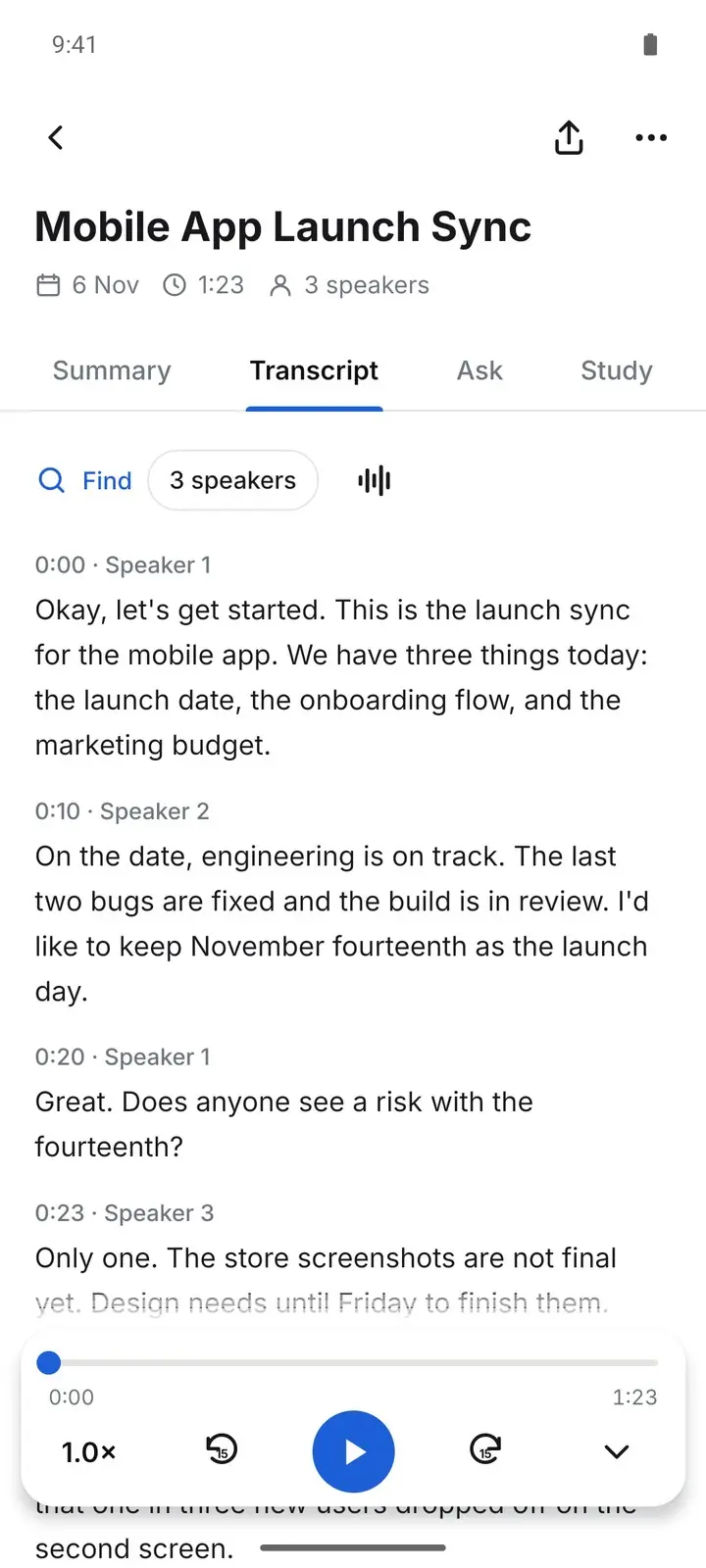
- Review a timestamped transcript
- Read a structured summary
- Ask about the conversation with sources
Made for recruiters
Revisit the exact passage
Record or upload interview audio for a transcript with timestamps. Interview transcription lets you return to the conversation when reviewing your personal notes.
Review the conversation by topic
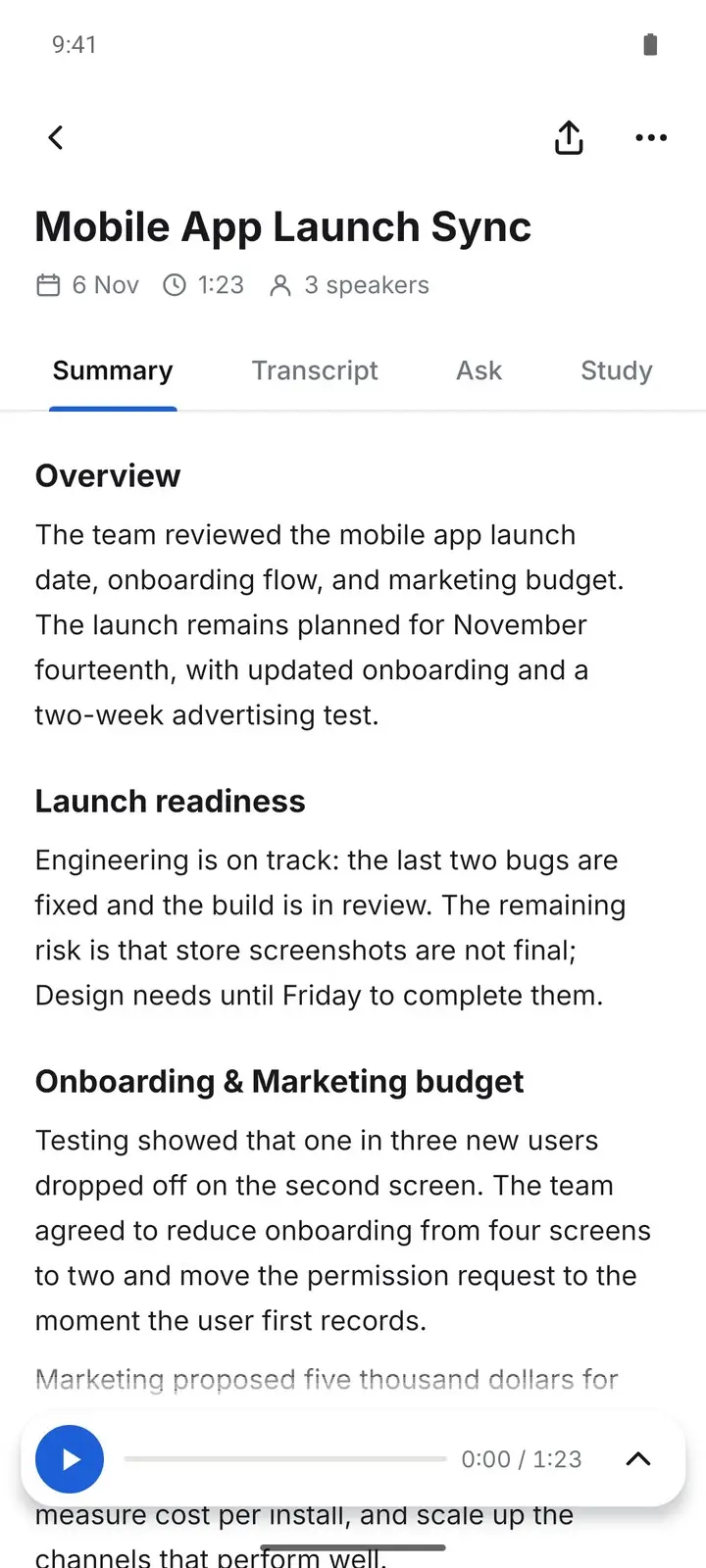
Read a structured summary after the interview. Use it alongside the transcript to keep the detail and context together.
Follow up on a detail
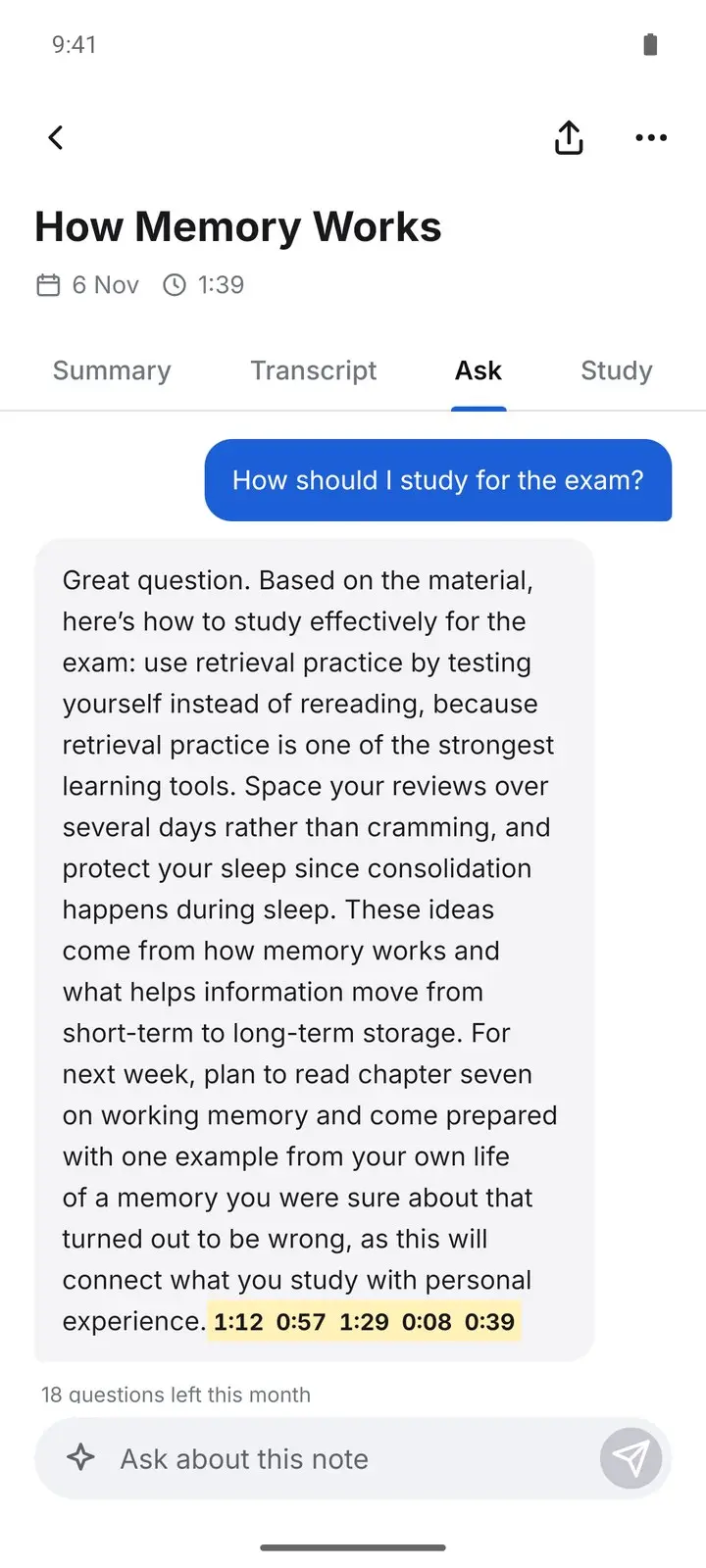
Ask a question about the conversation when you need to revisit a point. Ask with sources links back to the material for a closer look.
Works with the tools you use
Google Meet
Visible notetaker on Android with Pro.
Microsoft Teams
Visible notetaker on Android with Pro.
Notion
Send your note to Notion.
YouTube
Summarize public videos with captions on Android.
From the blog
How to transcribe audio to text
Manual and automatic ways to turn a recording into text, with checks for accuracy.
Read article →SummaryNote vs Read AI (2026): Which AI Note Taker Fits You?
Meeting reports and search versus notes you study from, with Read AI's published prices.
Read article →Best Otter alternatives (2026)
Five Otter alternatives compared by platform, free plan, meeting bot and uploads.
Read article →Questions, answered
For recruiters.
Can I record an interview?
Record or upload audio for a transcript and summary. Check applicable rules and obtain permission from participants before recording.
Can I find a particular moment?
The transcript includes timestamps to help you return to a passage.
Can I ask about an answer afterward?
Yes. Ask about the conversation and use the sources to check the context.
Does this replace my recruiting system?
SummaryNote provides personal notes; it is not an applicant tracking system or team workspace.
Can I use my laptop?
Yes. Record or upload audio in the web app and review your personal note there.
Keep the conversation in context
Start with your first complete note free.
