Ask a lecture
What does the hippocampus do?
It helps form new long-term memories.
12:04Tap the source to check the answer in context.
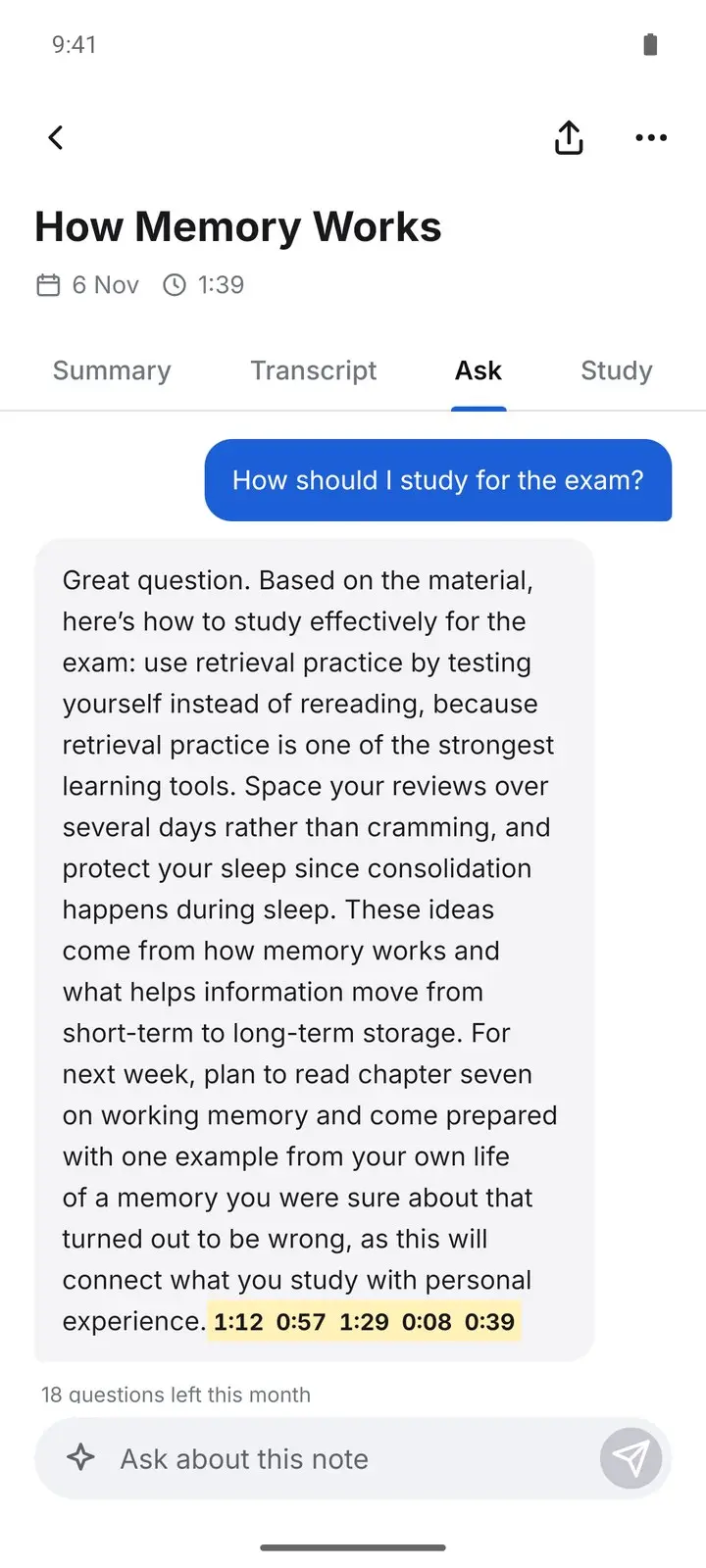
Ask a question inside a note. Follow the source to a moment in a recording or a passage in a document.
First complete note freeNo card needed
Retrieval practice means testing yourself…
Open a recording, PDF, YouTube video or document as a note, then ask about that note.
It helps form new long-term memories.
12:04Tap the source to check the answer in context.
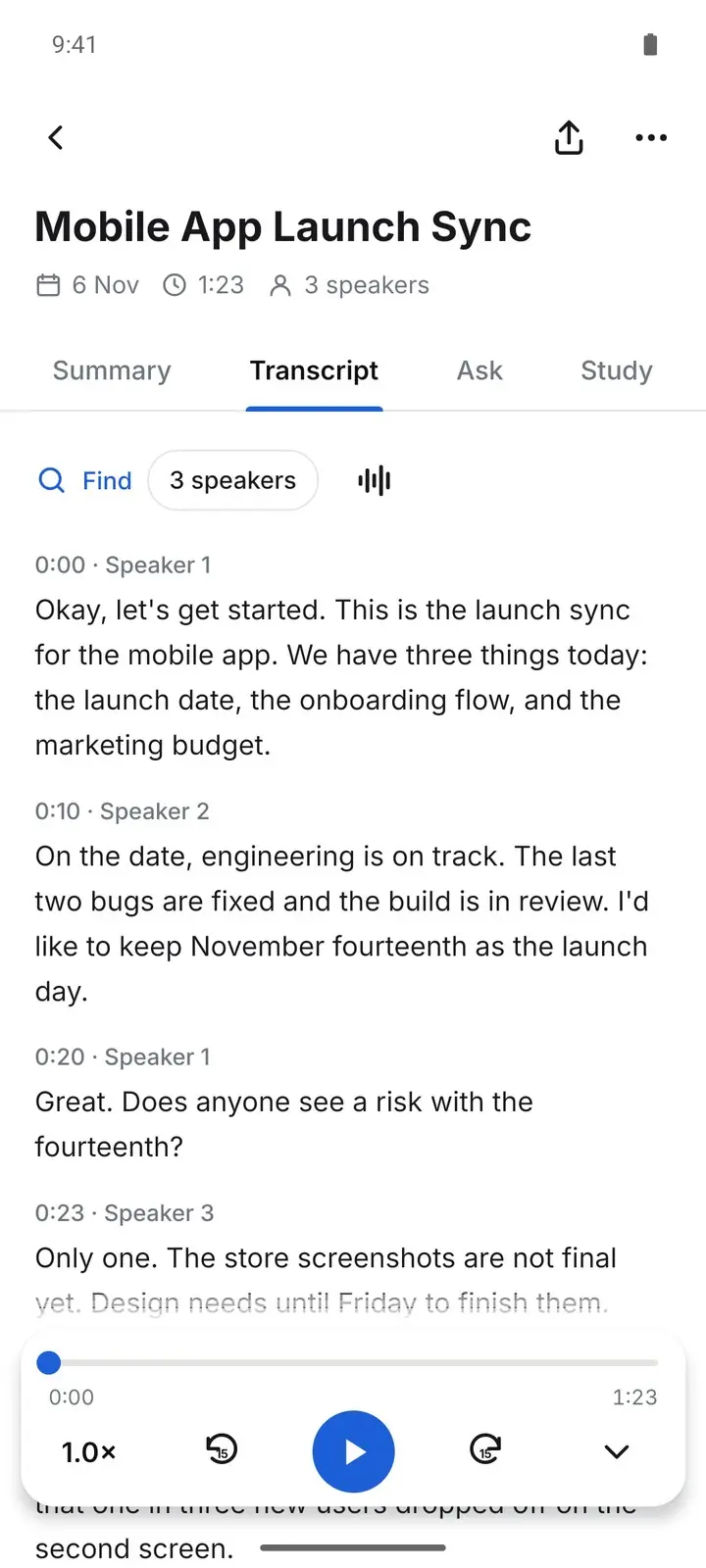
The team needs to finish the store screenshots.
12:04Tap the source to check the answer in context.
Their plants slow waves.
p. 3Tap the source to check the answer in context.
Sources take you back to the moment in a recording or the passage in a document. Read or listen to the source to check the answer, especially when the detail matters.
Compare meeting and study tools, platforms, exports and more.
Read article →Compare transcription, meetings and study tools across both products.
Read article →Learn the Cornell method, see a filled example and download a template.
Read article →Ask lets you ask questions about the material inside a SummaryNote note. Answers include sources you can tap.
Free includes 3 questions a day. Pro gives you more. Your first complete note is free.
Ask about one note made from a recording, PDF, YouTube video or document.
Ask works inside one note at a time. Open the note containing the material you want to ask about.
No. Answers can make mistakes. Tap the source and check important details against the original material.
Read our Privacy policy for how SummaryNote handles your information.
Open a note, ask a question and follow the answer back to its source.
