Turn your next episode into material you can use
Record or upload an episode, find the ideas worth revisiting and export a transcript for your subtitle workflow.
First complete note freeNo card needed
Make room for the work that matters
Without SummaryNote
- Scrubbing through an episode for a quote
- Writing a transcript by hand
- Starting subtitle timing from scratch
With SummaryNote
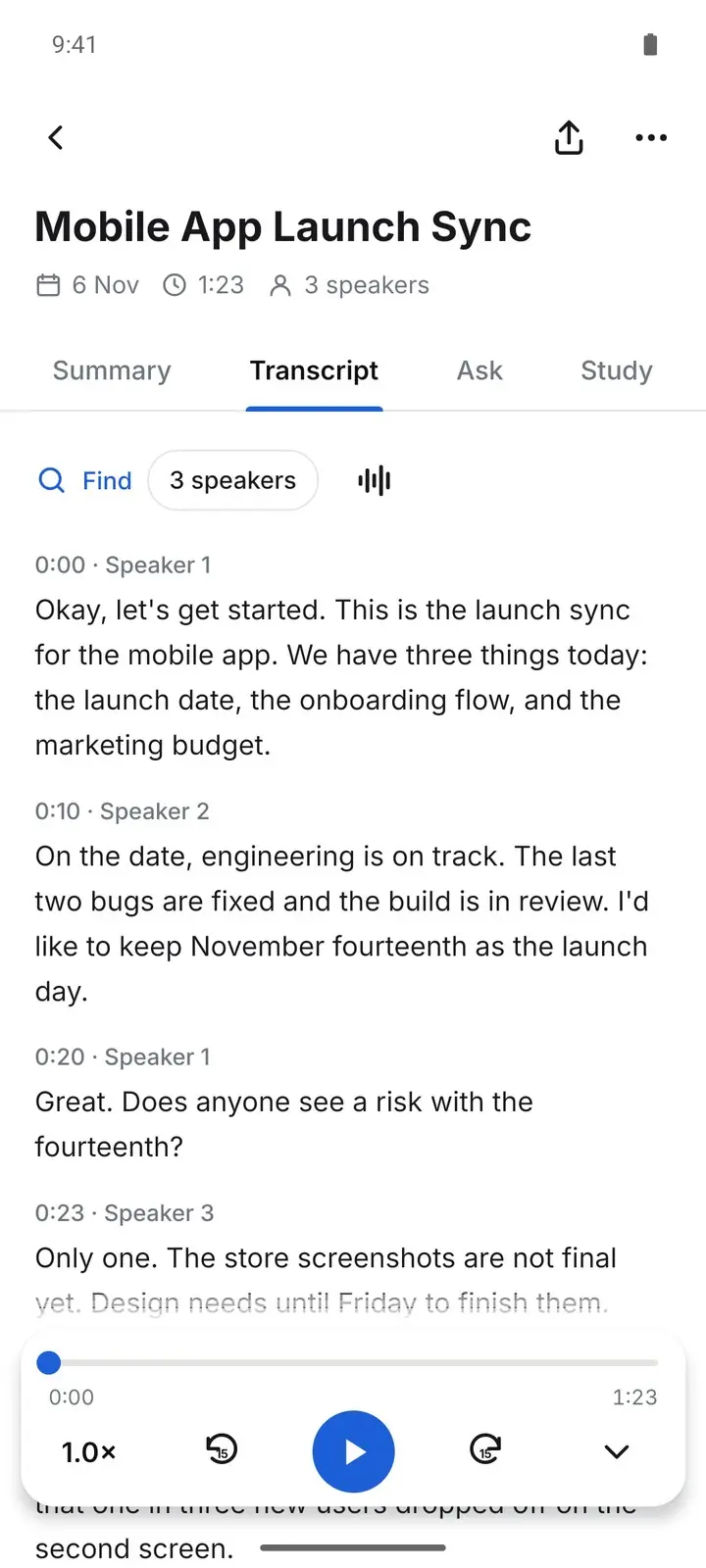
- Review a searchable transcript
- Find the main ideas in a summary
- Export subtitle formats
Made for content creators
Capture the episode
Record audio or upload an existing episode to create a transcript and summary. Use audio to text to return to the conversation as you prepare your next piece.
Review a YouTube source
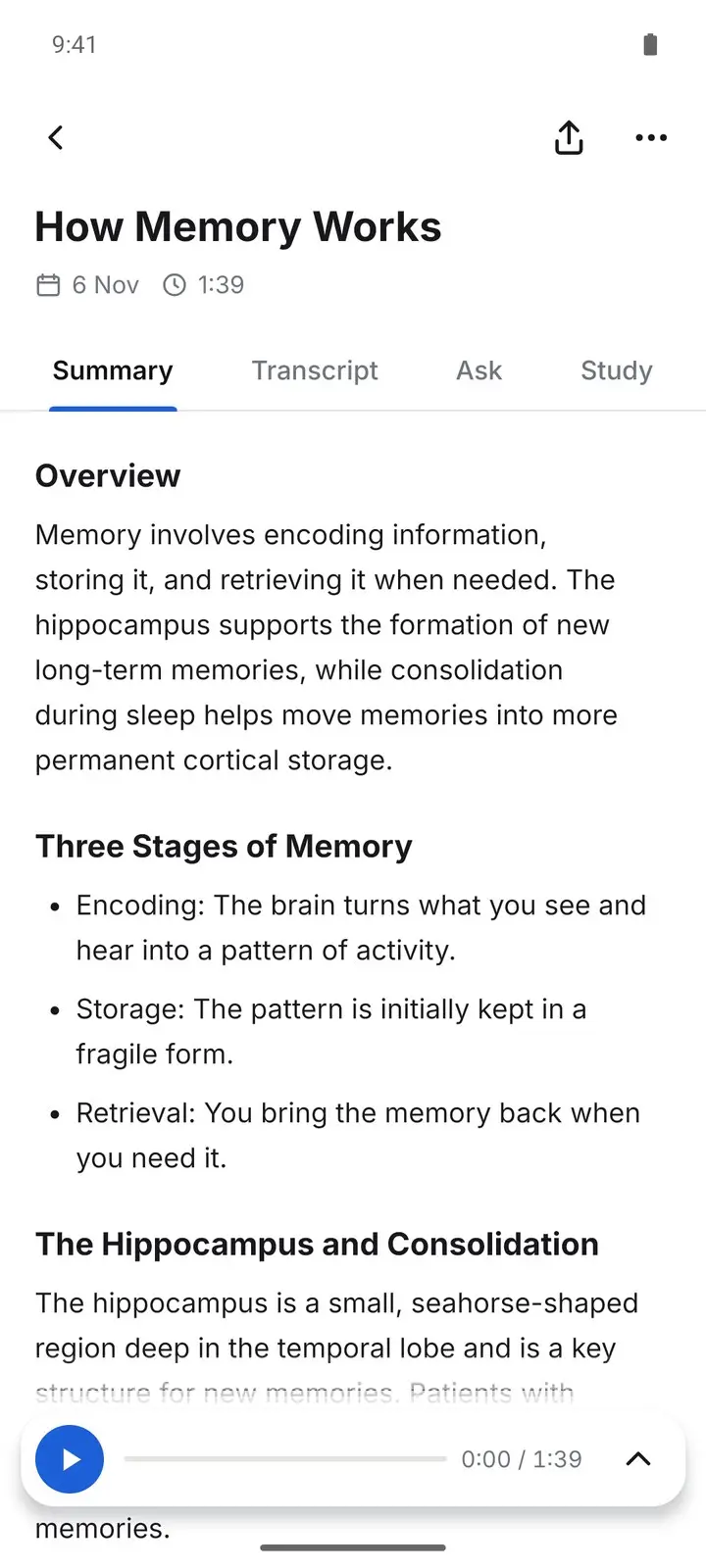
Paste a public YouTube link with captions in the Android app to get a summary. The YouTube summarizer keeps the ideas handy for your research.
Prepare subtitles
Export the transcript as SRT or VTT for your subtitle workflow. Review and edit the result in your preferred video editor before publishing.
Works with the tools you use
Google Meet
Visible notetaker on Android with Pro.
Microsoft Teams
Visible notetaker on Android with Pro.
Notion
Send your note to Notion.
YouTube
Summarize public videos with captions on Android.
From the blog
How to summarize a YouTube video
Summarize a captioned video by hand or in the Android app, and check the result.
Read article →How to transcribe audio to text
Manual and automatic ways to turn a recording into text, with checks for accuracy.
Read article →SummaryNote vs Tactiq (2026): Which AI Note Taker Fits You?
A browser extension for live captions versus an app for recordings, files and study.
Read article →Questions, answered
For content creators.
Can I upload an existing podcast episode?
Yes. Upload audio on the web or Android to create a transcript and summary.
Can I summarize a YouTube video?
Yes. Paste a public YouTube link with captions in the Android app.
Which subtitle formats can I export?
Transcript export includes SRT and VTT.
Can I upload video on the web?
Video files are supported in the Android app; the web app accepts audio.
Does SummaryNote publish subtitles for me?
Export the transcript and review it in your own editing workflow before publishing.
Make more from your next episode
Start with your first complete note free.
