Keep the evidence close, from interview to insight
Turn interviews, lectures and papers into notes you can return to. Find the source behind an answer when it is time to write.
First complete note freeNo card needed
Make room for the work that matters
Without SummaryNote
- Replaying interviews to find a passage
- Moving between paper notes and recordings
- Losing context behind a claim
With SummaryNote
- Review speakers and timestamps
- Read a concise source summary
- Ask questions and return to the source
Made for researchers
Return to the conversation
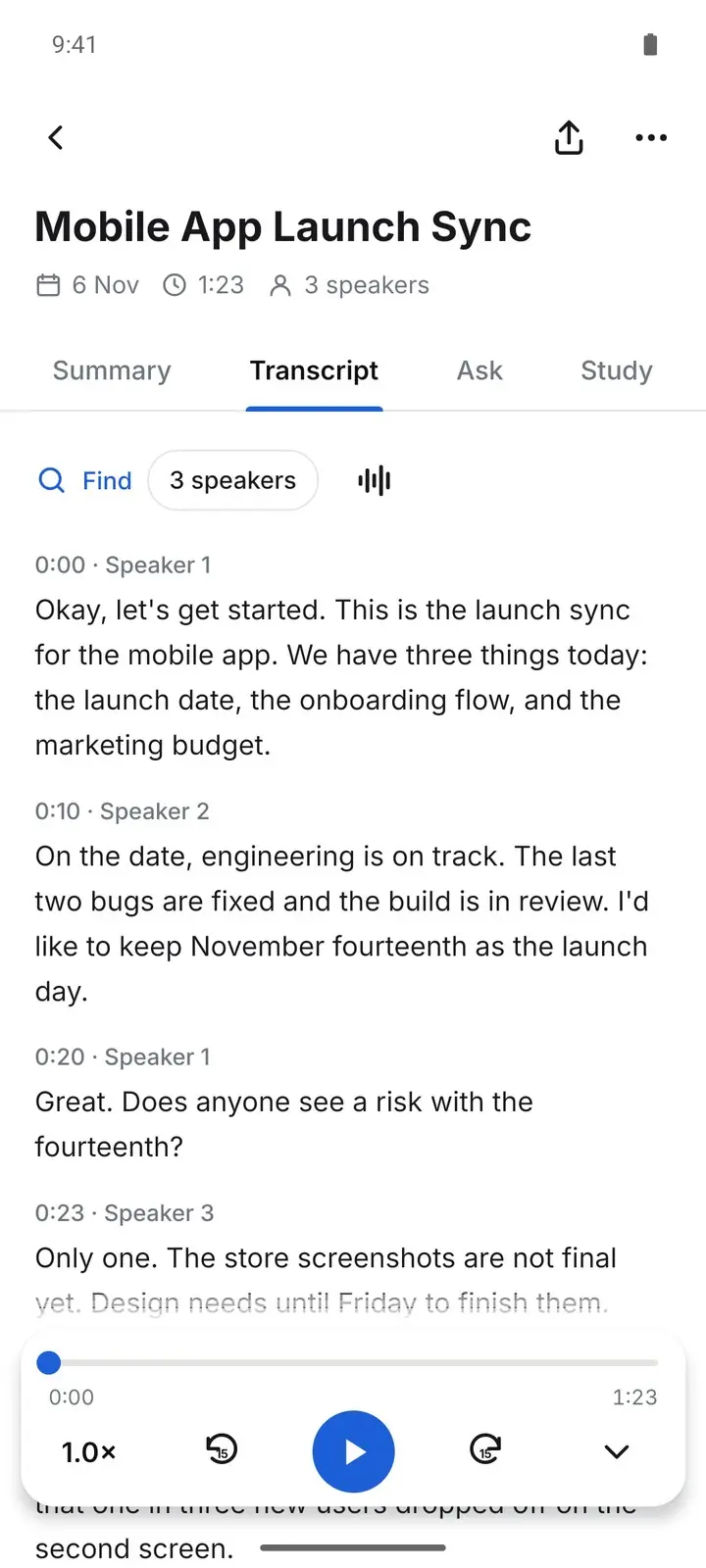
Record or upload interviews and lectures for a transcript with speakers and timestamps. Use interview transcription to find the passage you want to revisit.
Make a paper easier to navigate
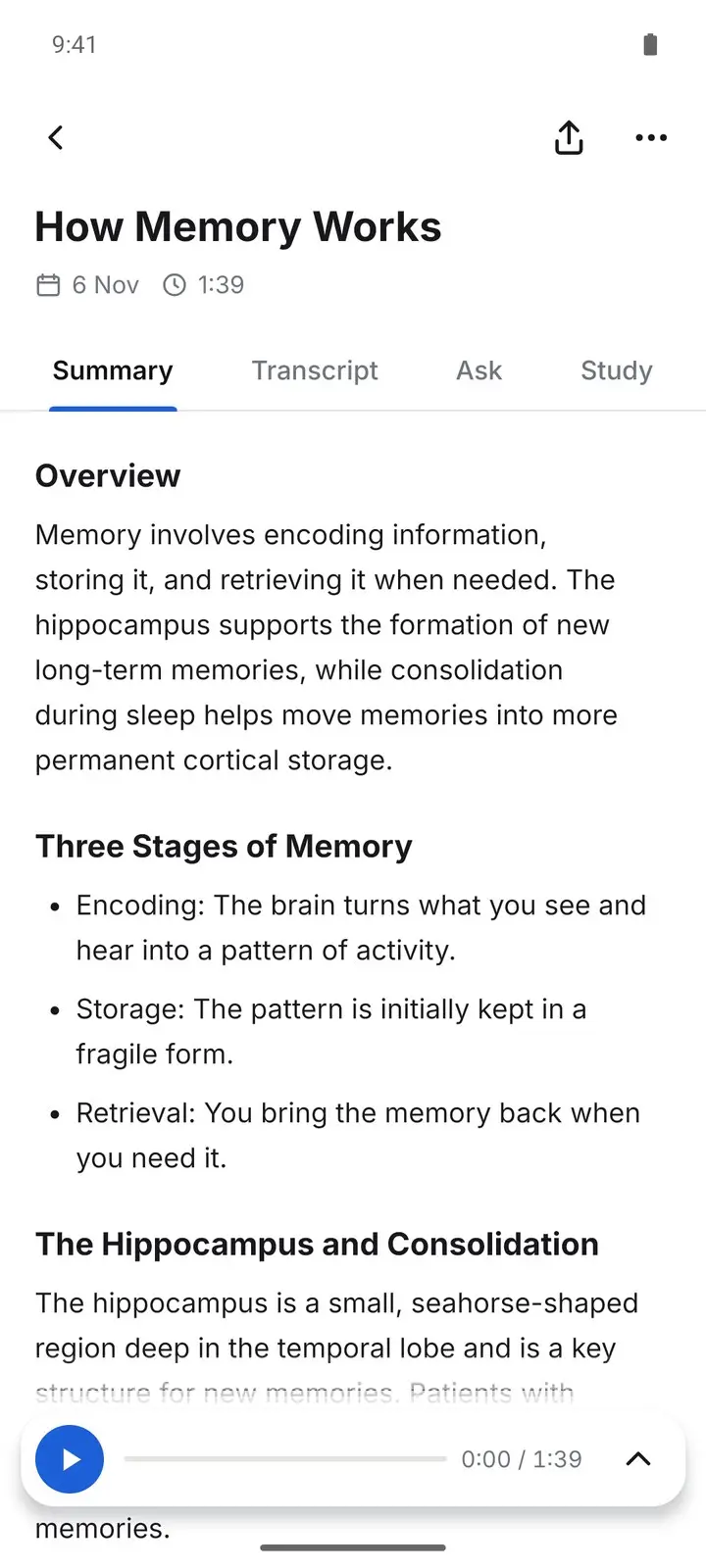
Upload a PDF of up to 300 pages and read its summary. The PDF summarizer helps you find the main ideas before a closer reading.
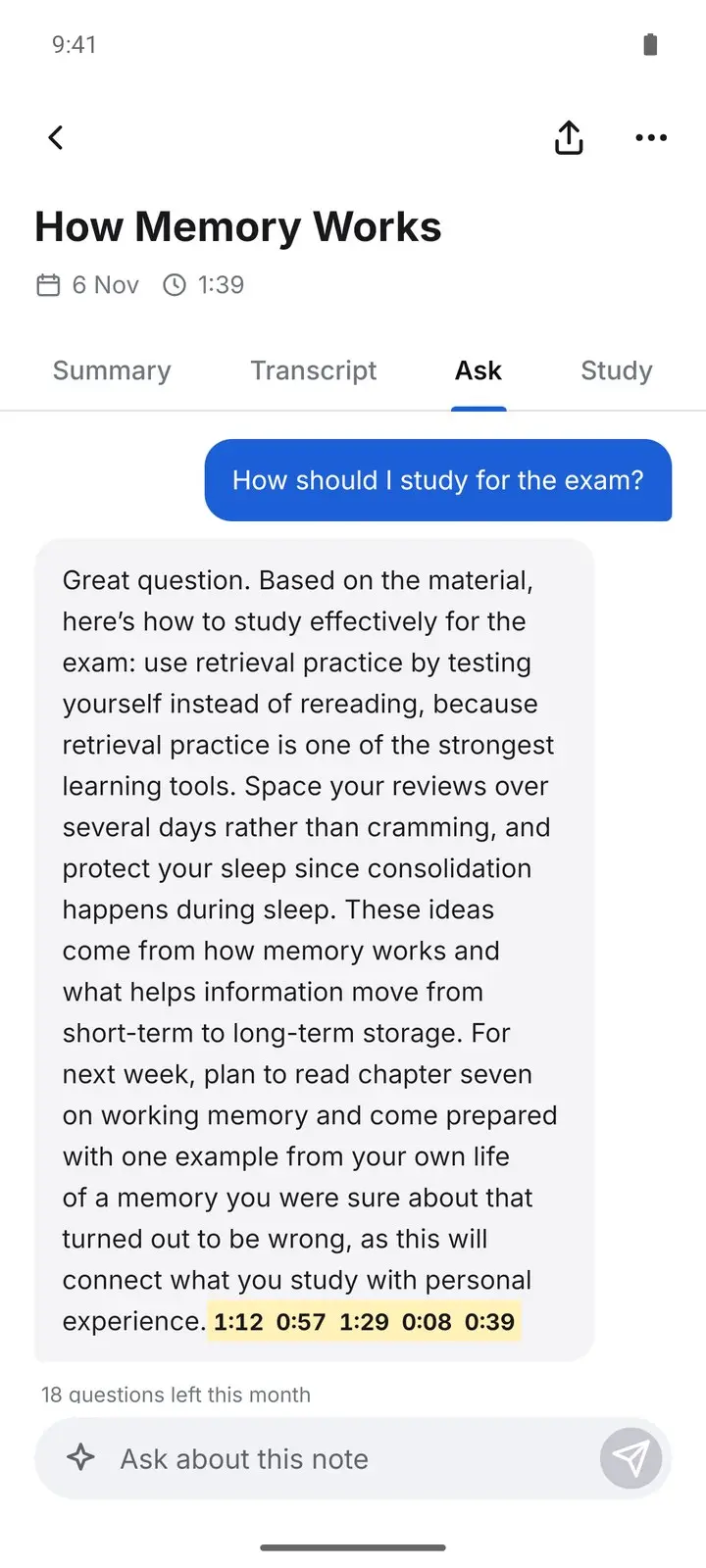
Ask, then check the source
Ask about your material when a question comes up. Ask with sources links an answer back to the material so you can check the context.
Works with the tools you use
Google Meet
Visible notetaker on Android with Pro.
Microsoft Teams
Visible notetaker on Android with Pro.
Notion
Send your note to Notion.
YouTube
Summarize public videos with captions on Android.
From the blog
How to transcribe audio to text
Manual and automatic ways to turn a recording into text, with checks for accuracy.
Read article →How to take Cornell notes: a step-by-step guide with free template
Learn the Cornell method, see a filled example and download a template.
Read article →SummaryNote vs Otter (2026): Which AI Note Taker Fits You?
Compare meeting and study tools, platforms, exports and more.
Read article →Questions, answered
For researchers.
Can I transcribe research interviews?
Yes. Record or upload interview audio and review the transcript with speakers and timestamps.
Can I summarize a research paper?
Yes. Upload a PDF of up to 300 pages for a summary.
Can I check where an answer came from?
Ask provides sources from your material so you can return to the relevant context.
Can I use a lecture recording?
Yes. Record or upload lecture audio on the web or Android.
Should I get permission to record?
Check the applicable rules and obtain permission from participants before recording.
Keep your research sources within reach
Start with your first complete note free.
